Skip to content

General

Stuff that doesn’t fit in any other category

A unique way to see the weather

Ever wanted a "light" weather check web site, free of ads and other visual clutter? One that you could maybe even use from Terminal? Then you want wttr.in.

Sure, you can use it from your browser, i.e. see the weather in Boston or Montreal, by just appending the zip/postal code of interest to the URL, i.e. http://wttr.in/95014. If you omit the location, wttr.in will get the location based on your IP address—for me, that's never anywhere near correct when I'm at home, though.

What's really neat is you can use it in Terminal, too, via curl:

$ curl wttr.in/80301

The output is graphical, but done so with text characters (click for zoomed version):
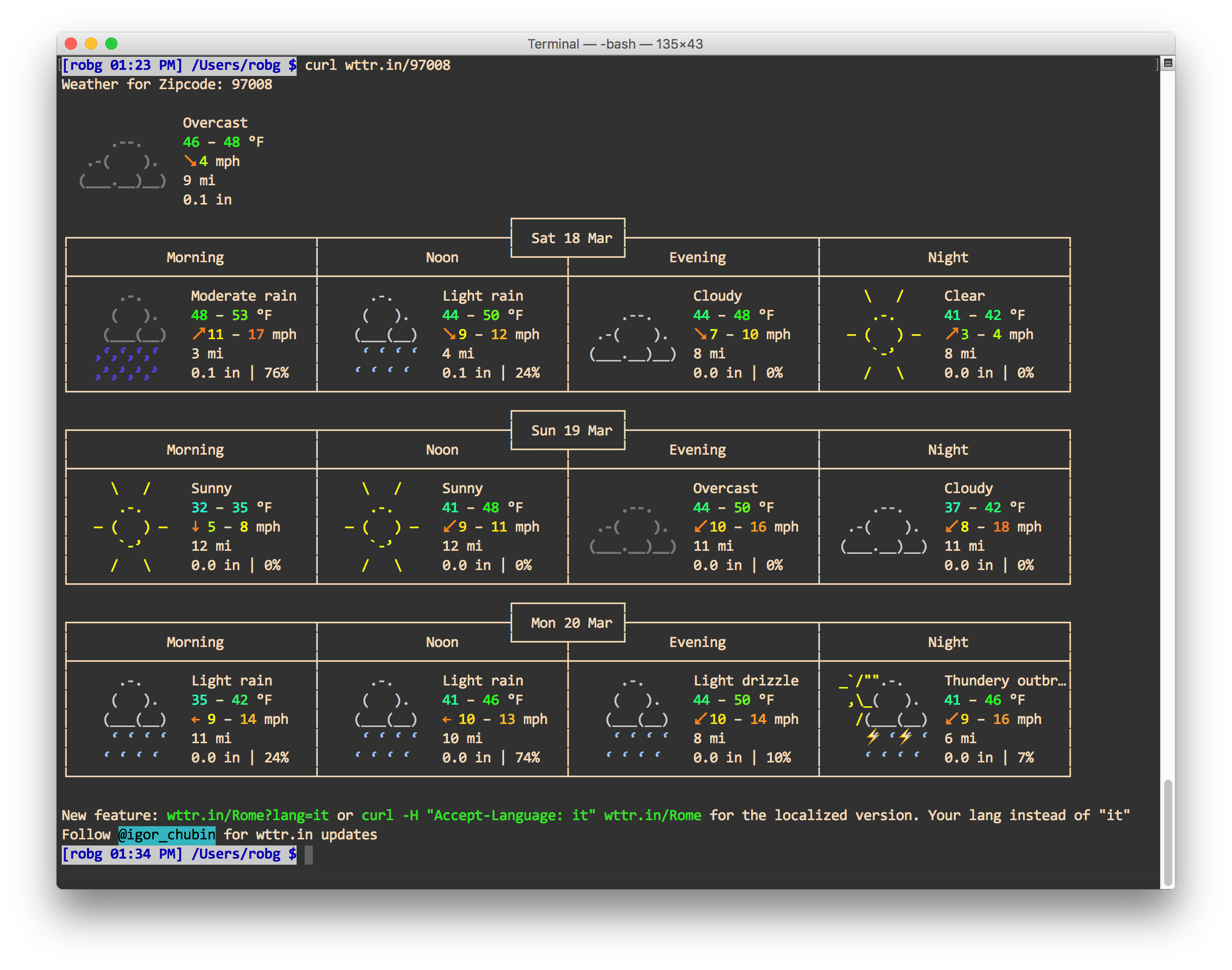
At a glance, you get a few days' worth of conditions, including temperature range, wind speed, visibility, and precipitation. There's even animation—check somewhere with thunderstorms, and you'll see flashing lightning bolts.

There's a help page that explains lots of other options, like forcing metric or US units, and looking at weather by airport code.
If it seems to good to be true…

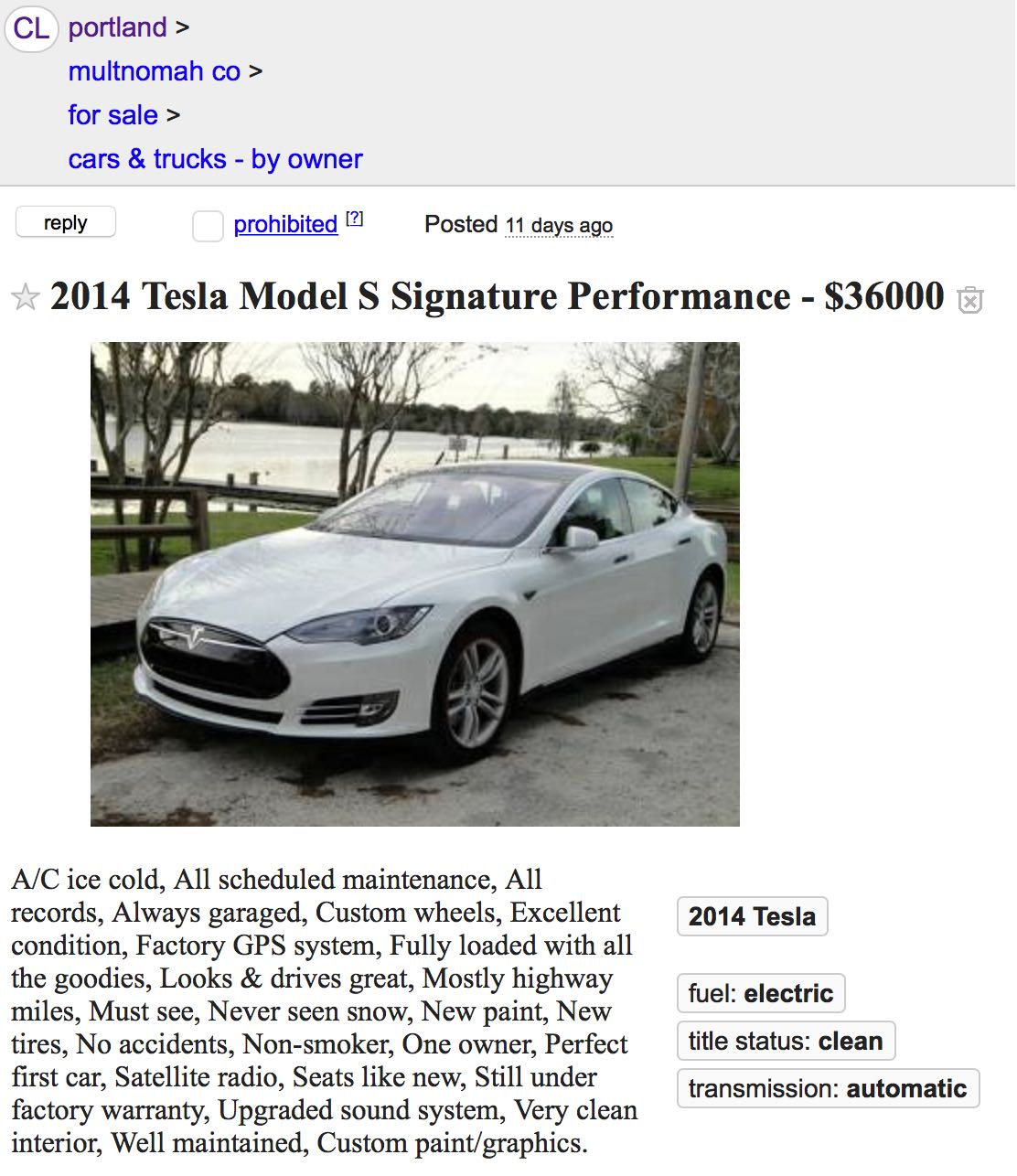
A friend emailed me a link to a Craigslist posting of a Tesla for sale, asking what I thought…on first glance, I thought "Whoa, what a bargain!" Here's how the ad looked, in case it vanishes:

Of course, on second glance, I realized it had to be a scam—the value of a 2014 Tesla Performance (85KWh battery with the Performance option) should be at least double the $36K asking price in that advert.

I thought I'd do just a bit of research and show my friend that it was a scam; I searched for "2014 Tesla Model S Signature Performance," and the very first (non-advert) hit was this AutoTrader ad, selling the same type of car for $79K. The description in AutoTrader seems familiar somehow…

A/C ice cold, All scheduled maintenance, All records, Always garaged, Custom wheels, Excellent condition, Factory GPS system, Fully loaded with all the goodies, Looks & drives great, Mostly highway miles, Must see, Never seen snow, New paint, New tires, No accidents, Non-smoker, One owner, Perfect first car, Satellite radio, Seats like new, Still under factory warranty, Upgraded sound system, Very clean interior, Well maintained, Custom paint/graphics.

The Craigslist ad's description (as well as the picture) was clearly copied from this legitimate ad. That was perhaps the quickest scam-find I've ever pulled off. (Yes, I've reported the ad to Craigslist.)

I've bought a lot of stuff off Craigslist, but never a car. I wouldn't hesitate to do so, though, as long as I could meet the seller in person to see and drive the car.

However, if you were to try to buy this bargain-priced Telsa, you'd probably hear something like "The car is actually in Seattle, but I can have it trucked down for you to inspect before buying. I just need $2,000 sent to Western Union for the transportation, and then you can decide to buy or not once you see it in person."

Be careful out there, people!


The Art of the Brick at OMSI

We recently toured Nathan Sawaya's The Art of the Brick at OMSI, our local science museum. I had heard about this show, and seen pictures, but they don't do it justice…so here, look at some of my pictures which also won't do it justice. [View on Flickr]

[flickr_set id="72157677535255164"]

Part of the reason photos don't do the ehxibit justice is the lack of sense of scale—further accentuated in my photos due to the lack of reference points. Most of these things are quite large; the human figures are all life size (or bigger). The Easter Island head is maybe 8' tall, the Whistler's Mother figure is six or so feet long, etc. Each piece has a descriptive card that includes the total number of Lego pieces used. As you'd expect, it's a lot of Lego!

If you're in the Portland area—or The Art of the Brick is coming to your town—I highly recommend a visit. You don't even have to like Legos; the art is just amazing…even without considering it's made of Lego bricks.


Like a kid in a candy store…

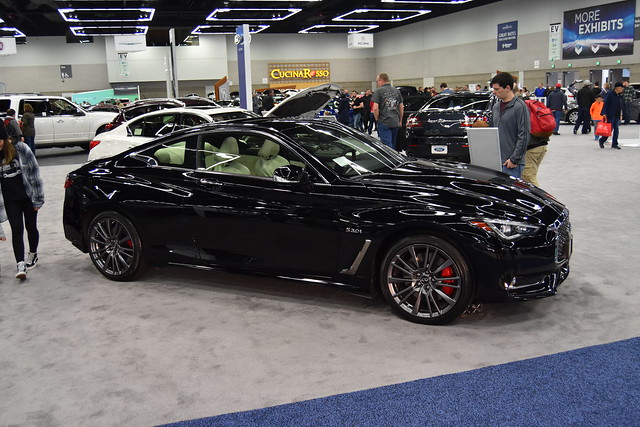
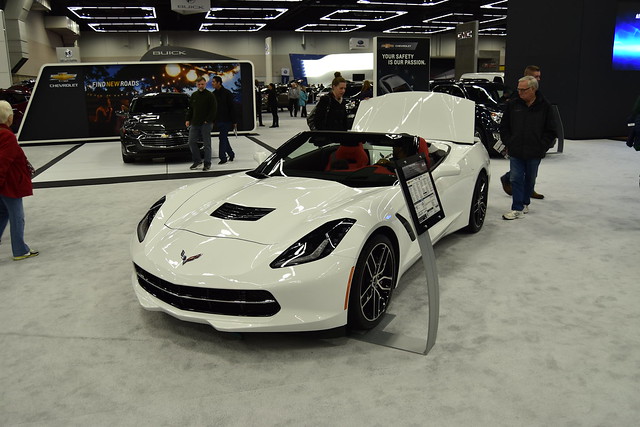
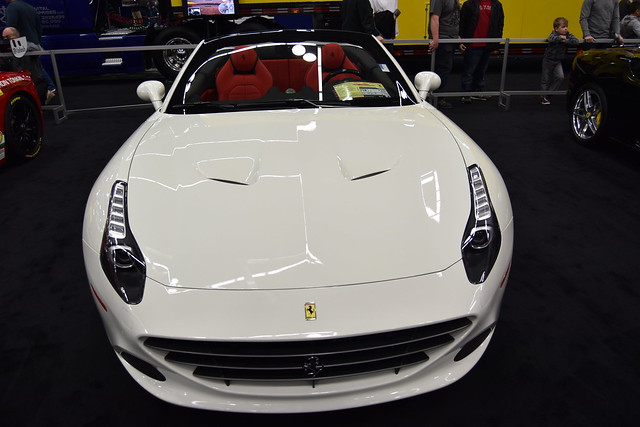
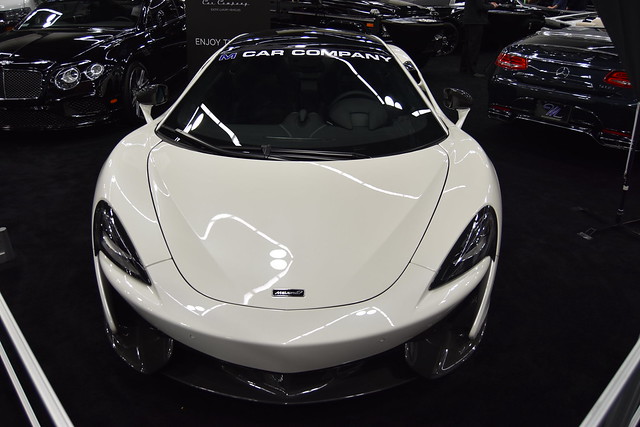
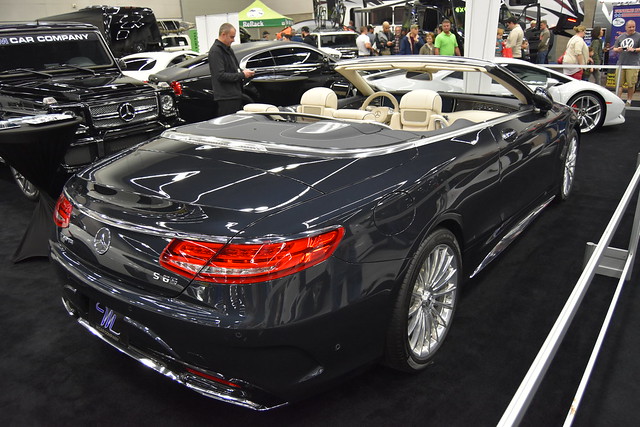
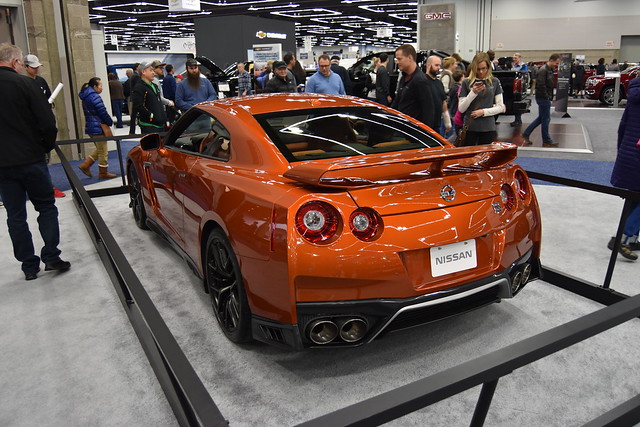
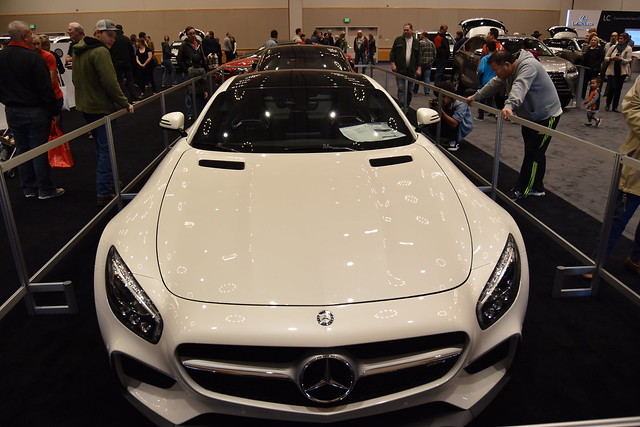
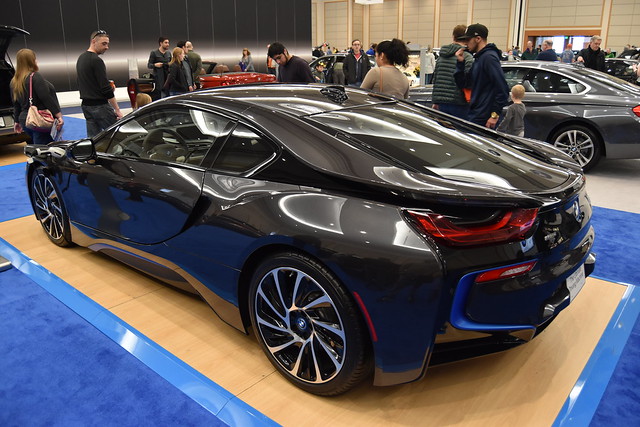
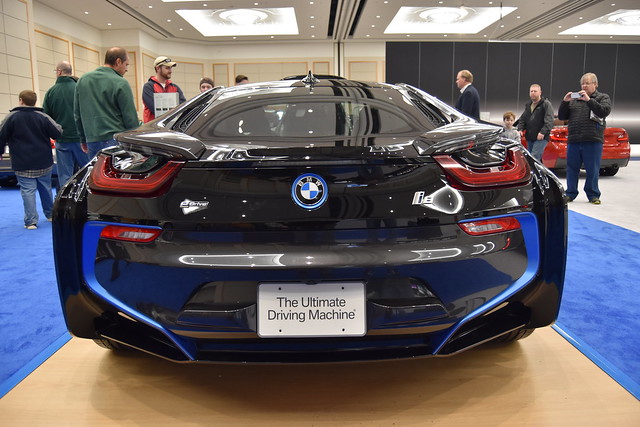
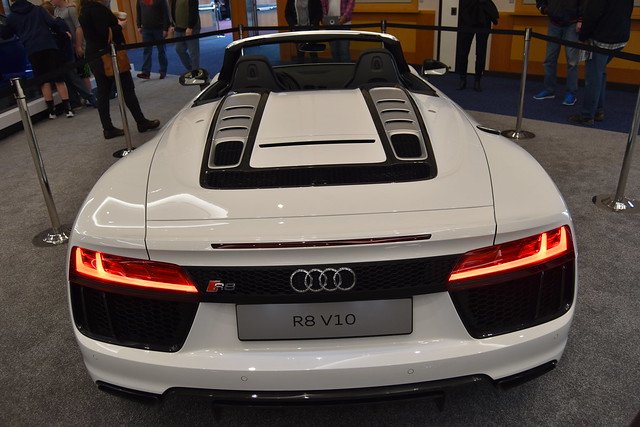
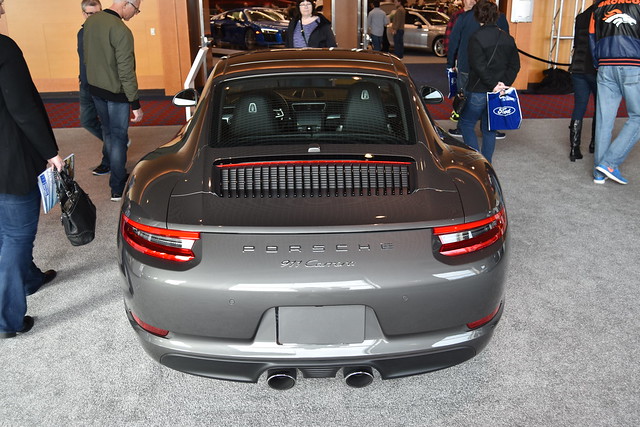
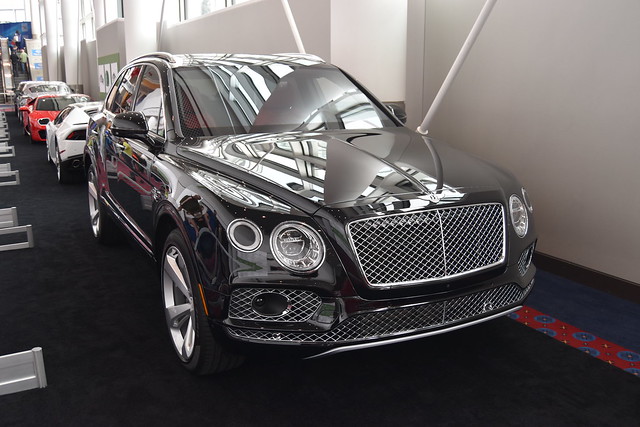
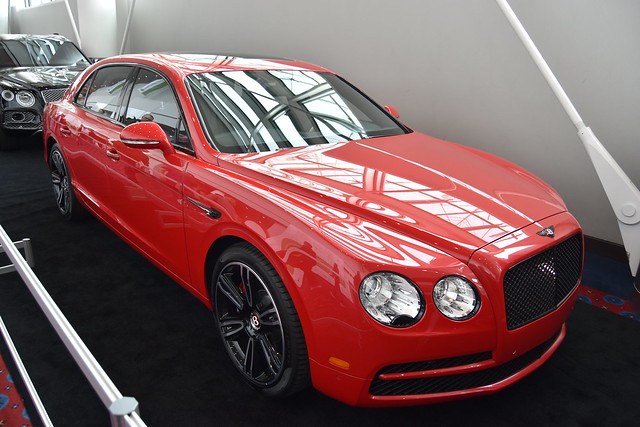
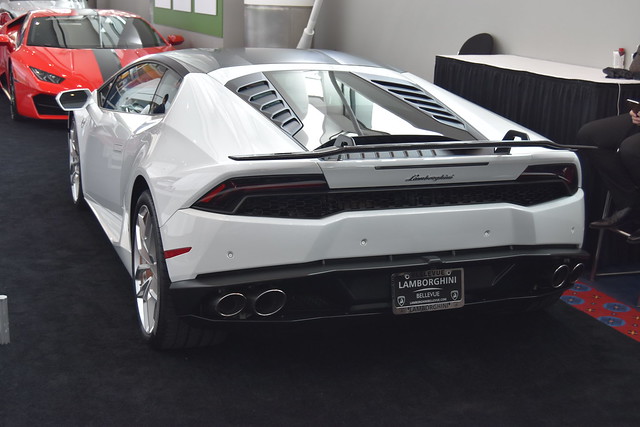
Back in January, I spent a morning at the Portland International Auto Show, walking around looking at a huge assortment of new cars and trucks, and even a couple of campers.

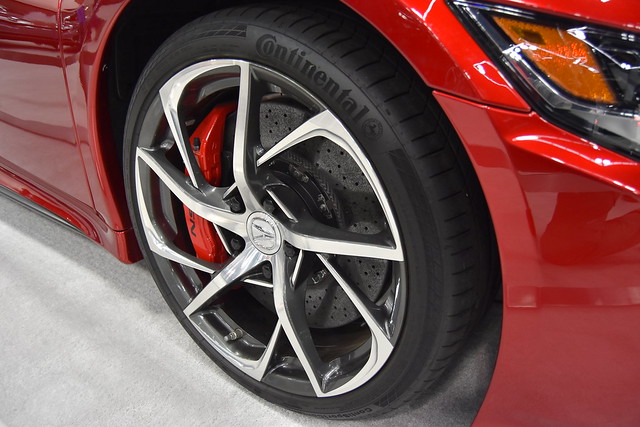
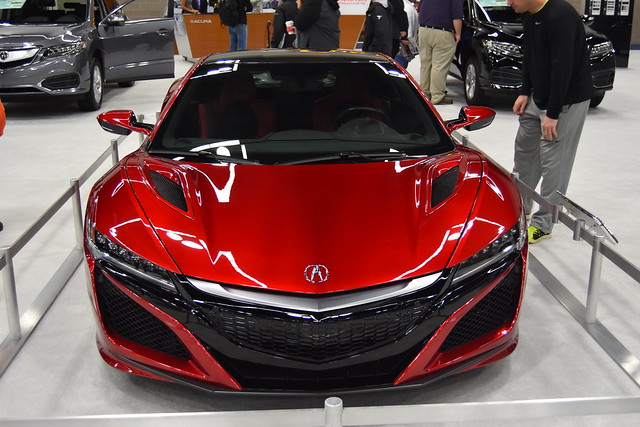
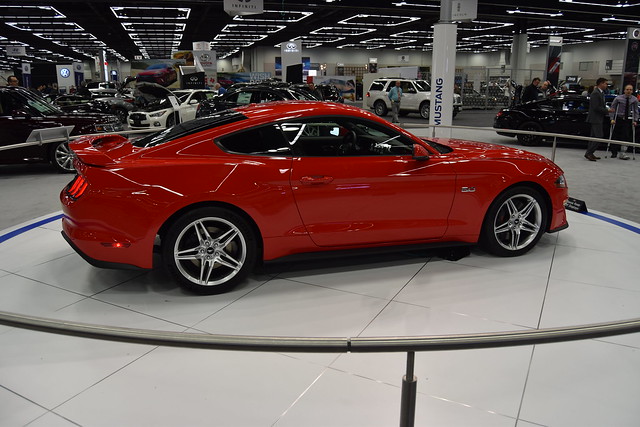
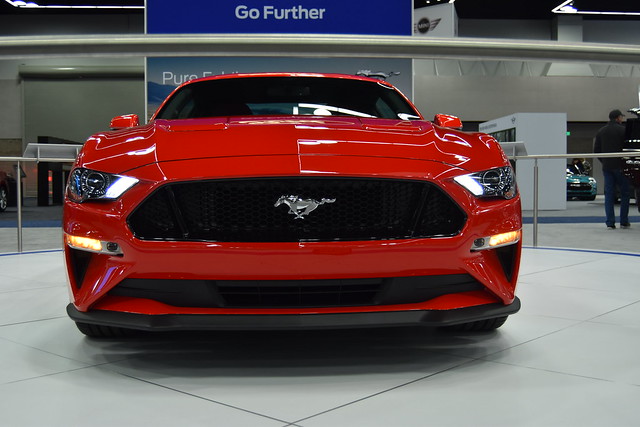
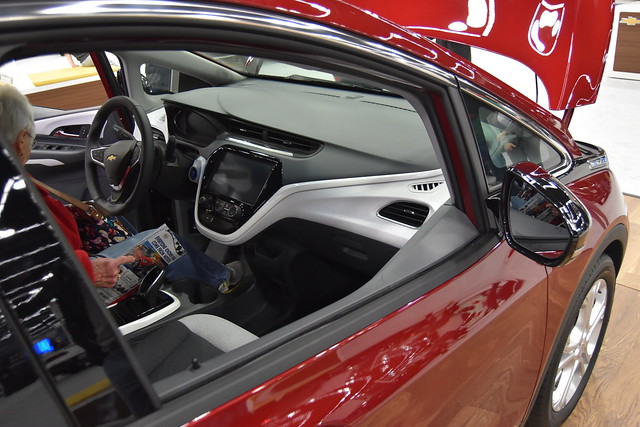
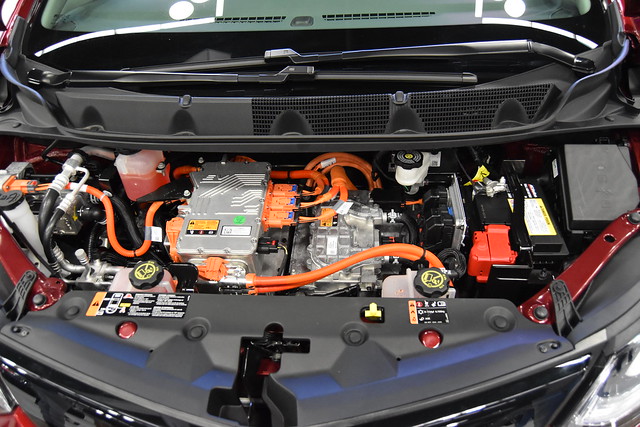
As the title says, for me, short of actually buying a new car, that was peak fun. I love everything about cars, and walking around a car show is about as good as it gets: All the new cars, none of the sales pressure of a dealer visit! Here are some of the better shots from the morning's virtual shopping trip. [View on Flickr]

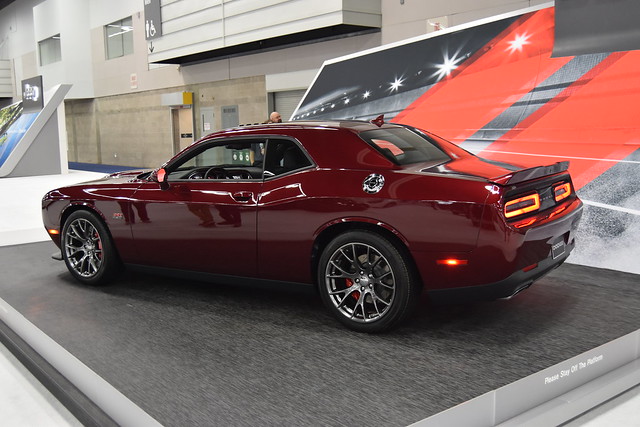
  • Dodge Challenger
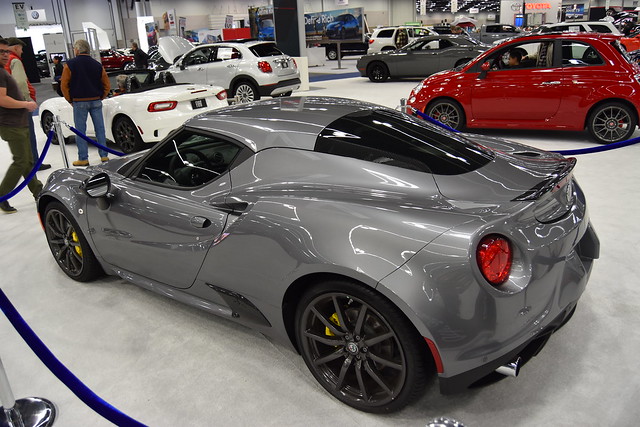
  • Alfa Romeo 4C Coupe
  • Alfa Romeo 4C Coupe
  • Fiat 124 Sypder (Miata based)
  • Acura NSX
  • Acura NSX
  • Acura NSX
  • Ford Mustang
  • Ford Mustang
  • Infiniti Q60 Coupe
  • Chevrolet Corvette
  • Chevrolet Bolt
  • Chevrolet Bolt
  • Chevrolet Bolt
  • Chevrolet Camaro
  • Subaru WRX STi
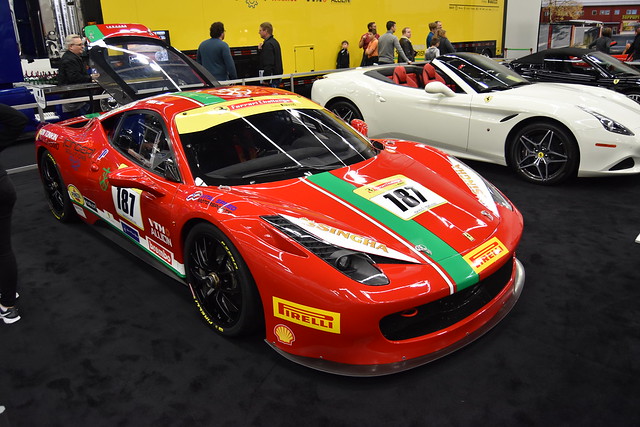
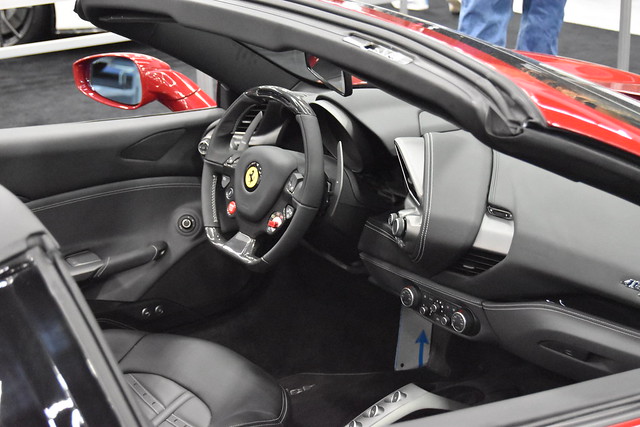
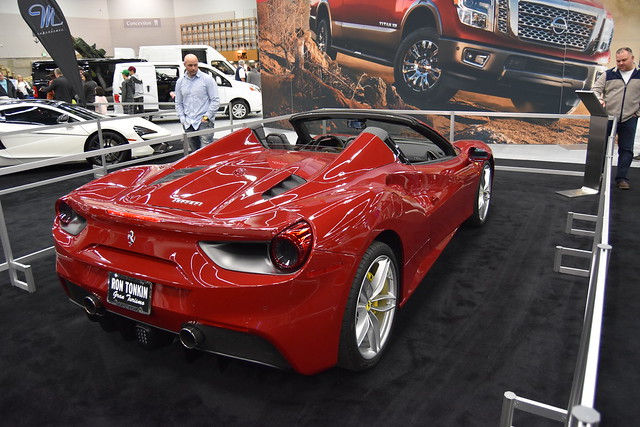
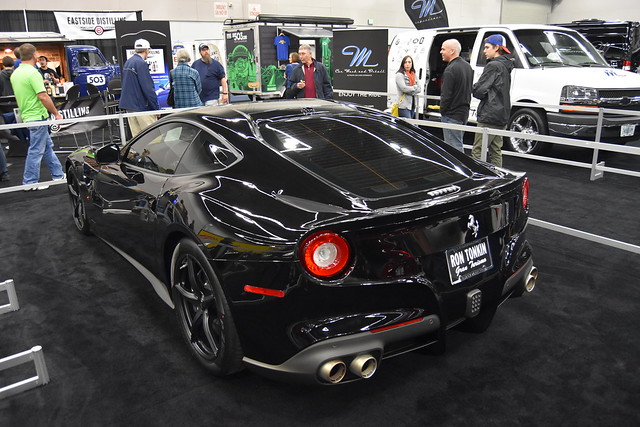
  • Ferrari something…
  • Ferrari something…
  • Ferrari something…
  • Ferrari something…
  • Ferrari something…
  • Ferrari something…
  • McClaren 570S
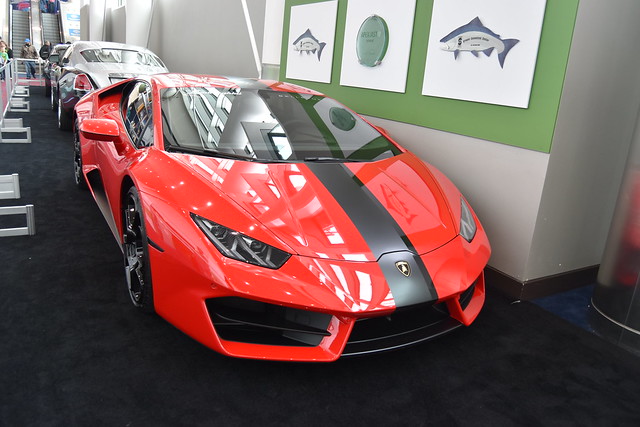
  • Lamborghini Huracán
  • Mercedes Benz S65 AMG
  • Mercedes Benz S65 AMG
  • Nissan GT-R
  • Nissan GT-R
  • Mercedes something…
  • Mercedes something…
  • Mercedes something…
  • BMW i8
  • BMW i8
  • BMW something…
  • BMW M6
  • Audi RS7
  • Audi R8 V10
  • Audi R8 V10
  • Audi R8 V10
  • Porsche 911 Carrera
  • Porsche Panamera
  • Bentley Continental
  • Bentley something…
  • Lamborghini Huracán
  • Lamborghini Huracán
  • Rolls Royce Dawn

Of the vehicles we saw, the Acura NSX and the BMW i8 were both very striking looking—much more so in person than in photographs. And I think the Audi RS7, especially in all-black, is one of the meanest-looking cars to come along in a long time. Now I just need to come up with the $7.5 million or so it'd take to buy all the cars on my wish list!

The above album is hosted on Flickr and displayed here via a plug-in; read on if you're interested in how I did that…

[continue reading…]


Out with fluorescent garage lights, in with LEDs

I've converted most of our home to LED lighting—costs have plummeted in recent years, and when you combine LED lights' long lives with low energy costs, the payback period is incredibly short. Newer LEDs are also warmer in tone—we found some "soft light" 60W equivalent bulbs that are nicely warm (and warmer when dimmed). Through all of this, though, I had one area of the house I'd ignored: The garage.

Our garage has six (five overhead, one over a workbench) 48" long fluorescent hanging fixtures. I hate fluorescent bulbs, but the cost to replace them with LED-equivalent fixtures was high—about $300 to do all six. But the other day at Costco, I noticed they had two-pack FEIT 4' LED replacement bulbs—like these at Amazon—for only $18 (versus $28 at Amazon as I write this).

A "normal" 48" fluorescent tube light, as in this Sylania four-pack is around $6 or $7 per light. So while the LED bulbs are more expensive, a $3 difference isn't much at all given the lower engery usage and long life. (And the fluorescents in my garage go out quite often, even compared to indoor incandescents.) So I bought one box, as a test to use over the workbench.

Within a couple minutes of installing the LED tubes, I was headed back to Costco to buy five more boxes—the difference is that notable. Instant on, brighter and more-even light distribution, no flicker, and they should last nearly forever.

[continue reading…]


Construction of the Millau Viaduct

I've long been fascinated by massive engineering projects, whether they be for ships or tunnels or skyscrapers…or in this case, a bridge.

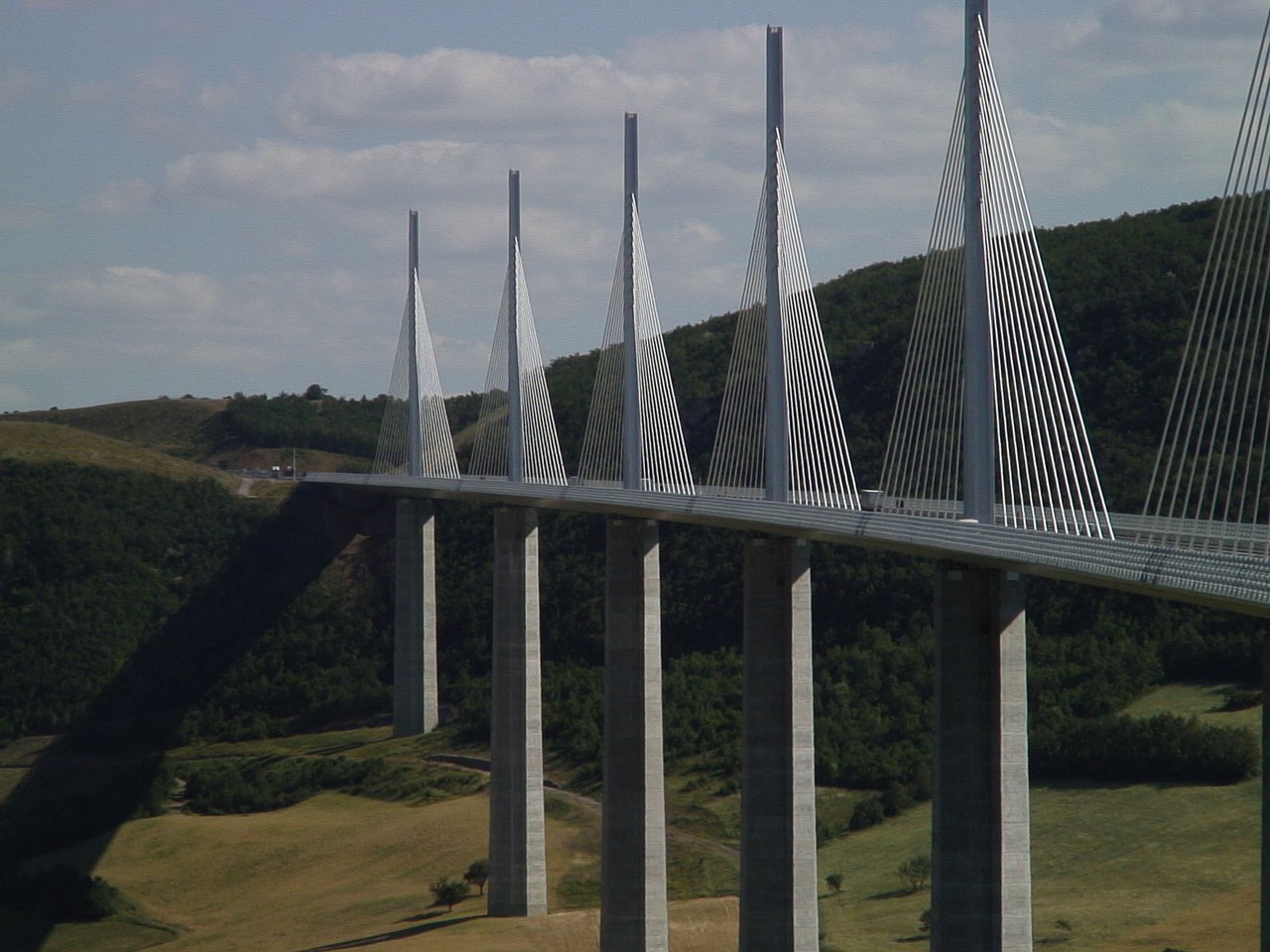
The Millau Viaduct is an amazing structure in the south of France; it spans a deep and wide valley with incredibly tall pylons and an elegant design.

Photo by logopop. [original photo]

While browsing YouTube the other day, for something completely unrelated (isn't it always like that?), I stumbled on this excellent show about the construction of the bridge:

https://www.youtube.com/watch?v=AHACv9hs9ds

Just amazing what they did to get that bridge built—and without a single worker injury of any note, despite working hundreds of feet above the ground for four years.


It’s hard to see the light in a dark (interior) car world

  • Auto

In 1909, Henry Ford described his philosophy on offering customers different car colors:

Any customer can have a car painted any color that he wants so long as it is black.

While paint is no longer only available in black, it seems that car interiors are—or at least, they might as well be. And to me, that's a shame—I really dislike dark interiors. (They get overly hot in the sun, they show every single scuff, and they hide some lovely design details. They can also make interiors feel much smaller than they are.)

You'd never know this is a problem, though, when you start looking at cars on manufacturers' web sites. Visit most any car maker's web site, and for most any car you're interested in, you'll see a mix of available interior colors—black, grey, tan, brown, red, etc.

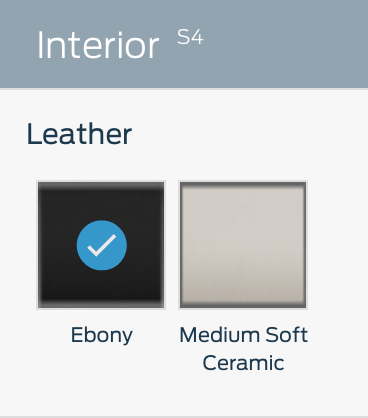
Using the ubiquitous configuration tools on such sites, you can mix and match your exterior and interior colors to get what you want. (Not all interior colors will be available with all exteriors.) For me, of course, I build with light interiors.

But if you want to actually buy the car you've designed, and you like light interiors, you'll find you'll probably have to custom order your vehicle. Why? Because dealers (at least in the USA) don't stock the light colors.

[continue reading…]


Useful site: Find and use fonts at Font Squirrel

I recently tweaked the look here a bit, greatly simplifying the fonts and lightening the visual weight of the site quite a bit.
As part of that process, I wanted to find a larger lighter yet highly legible font. So I went back to Font Squirrel, the same site I used in my 2014 redesign.

They offer a huge assortment of fonts, all licensed for free commercial use, with a nice set of categories and search engine. And free…though the tradeoff is a fairly heavy advertising load. After much looking and testing, I've got the site running on three font families: Open Sans for most of the content and sidebar, Open Sans Condensed for headlines, and Ubuntu Mono for code snippets.

As part of the cleanup, I was able to remove 40+ font-family and font-size statements from the CSS, and the site should scale a bit better on small-screen devices. (I'm still not completely happy with things, so expect minor changes going forward.)

Font Squirrel not only has a great collection of fonts, but they offer a free web font generator. Using the generator, you can create fonts that are embedded in your page, so that they're available even when users don't have those fonts installed locally. Just upload a font you're licensed to use, and Font Squirrel will create a web font, complete with CSS. Upload the converted web fonts to your server, copy and paste the CSS bit into your CSS master file, and you can use the fonts on your site.

There are 20 web fonts on the site now (two forms of 10 font faces across the three font families), and in total, they're 200KB in size—or less than the typical "larger" image I often post here.

There are lots of sites that offer free-to-use fonts; I really like the assortment at Font Squirrel, and the web generator is an added bonus.


A deep dive into HandBrake and Video Transcoding

An obvious interest area of mine is in ripping (and watching) movies using my Mac. I've talked about everything from installing the tools I use to how I rip to how to make sure I update the ripping tools. And though I've included some comparison pictures in the how-I-rip article, I've never done a deep dive into the various ripping options and how they compare on three key fronts:

  • Speed: Faster is better; measured in minutes required to rip.
  • Size: Smaller is better; measured in MB of drive space used.
  • Quality: Higher is better; the closer the image quality is to the original, the better.

An ideal rip would be one that happens in seconds, saves into a 10KB file, and has quality matching the original. The reality, though, is far from the ideal. Ripping a movie involves making trade-offs between those three competing measures: Maximizing any one measure requires some sort of tradeoff with one or both of the other measures.

After ripping so many DVDs and Blu-rays over the years, I was curious about how HandBrake and Don Melton's Video Transcoding tools handle those tradeoffs, so I decided to do some testing.

If you'd like to see what I discovered about ripping time, file sizes, and—with lots and lots of frame grabs—image quality, keep reading…

[continue reading…]


Use the keyboard in Excel’s Paste Special dialog box

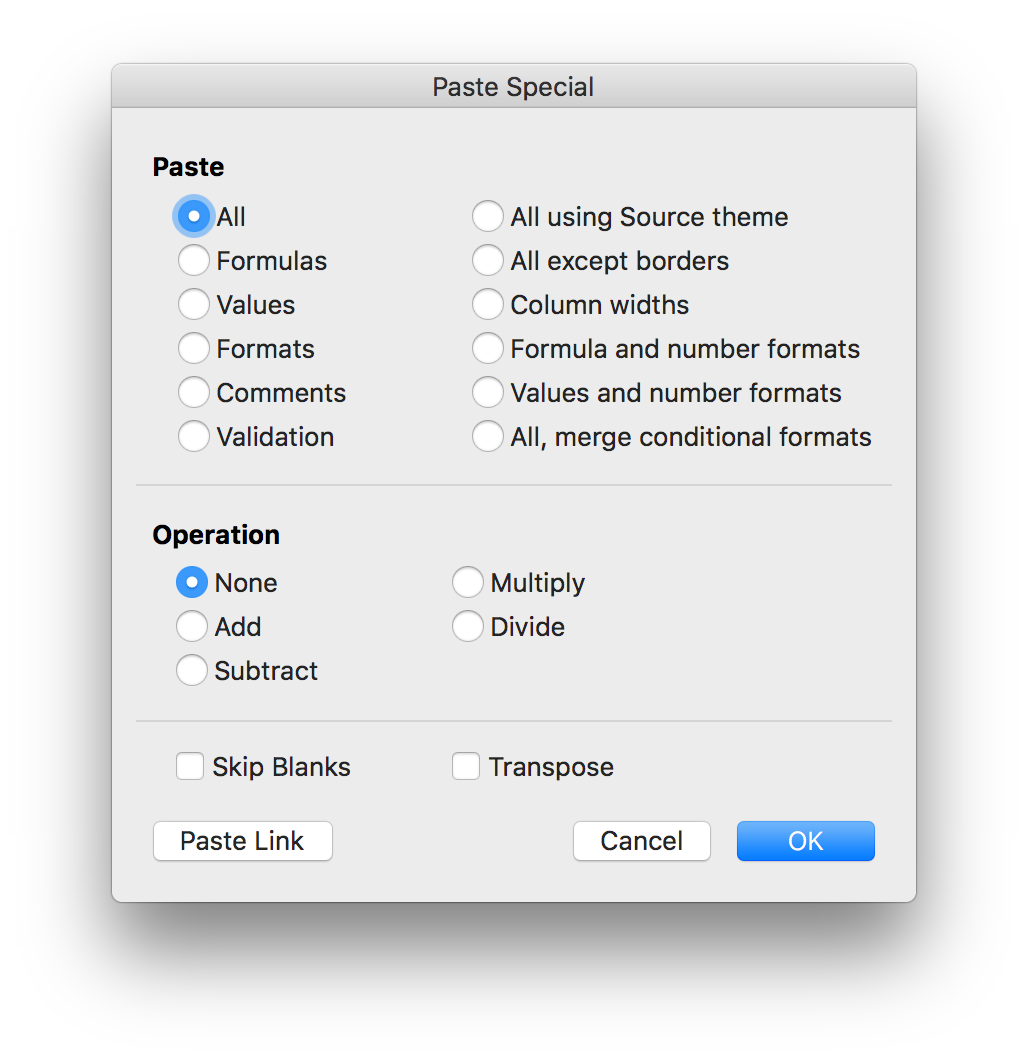
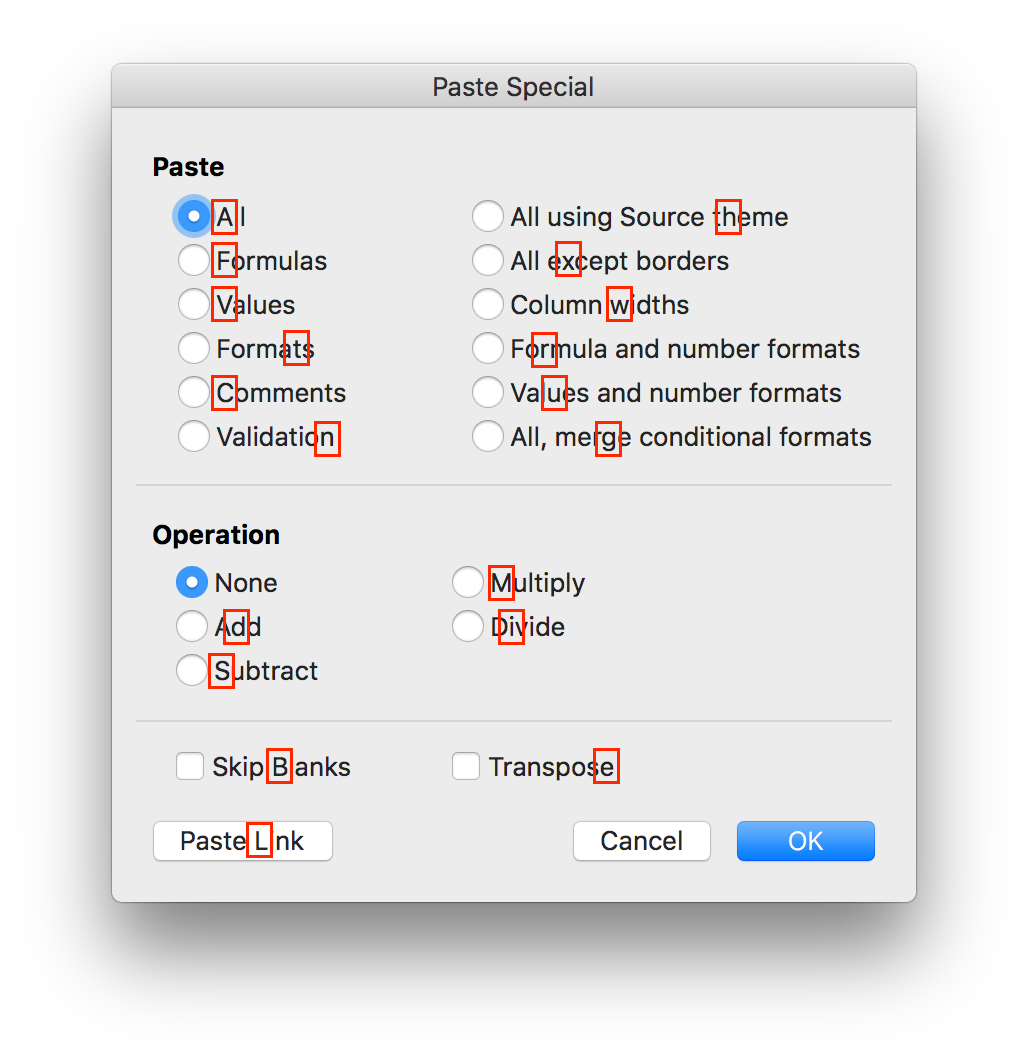
When I'm working in Excel, I spend a lot of time in the Paste Special dialog box—pasting formulas, pasting all but formats, pasting only formats, etc. You can call up the dialog with a keyboard shortcut (⌃⌘V), but it then looks like you're stuck using the mouse, because there aren't any keyboard shortcuts for the various actions. But really, there are…

(Note: This applies to the current version of Excel, i.e. the one in Office 365. Based on the comments, it apparently also works in Excel 2011 if you add the Command key.)

On Excel for Windows, one character in each option has an underline, indicating that option's keyboard shortcut. The good news is that these same shortcuts work on the Mac, even though they're not shown. (There is one apparent oversight: The O key should select Operation: None, but it doesn't seem to work on the Mac.)

Here are all the shortcuts, graphically:

Press the highlighted key, and that action will be selected; press Return to execute the chosen command, and you can use the Paste Special dialog without ever touching the mouse. (Note that the Paste Link action executes immediately when chosen, so it's a one-key operation.)

Because graphics are horrid for web searching, the text version of each shortcut, in alphabetical order, is shown below.

[continue reading…]