How to monitor Apple update releases
As the last step in bringing back my A Full History of macOS (OS X) release dates and rates post, I wanted a way to be notified of released updates. On the Macs I regularly use, of course, this happens automatically for the versions I'm using. But Apple updates the older OSes on a regular basis, and I don't see those releases.
Of late, Apple has been good about listing all their releases—even those without security-related components—on their Apple security releases page, so I though that'd be a good one to watch.
There are lots of tools and web sites out there that monitor pages for changes, but they all seemed overly complicated to me, or do way more than I need. I did mostly like urlwatch, but its output is just raw diff results. I wanted something a bit simpler to read.
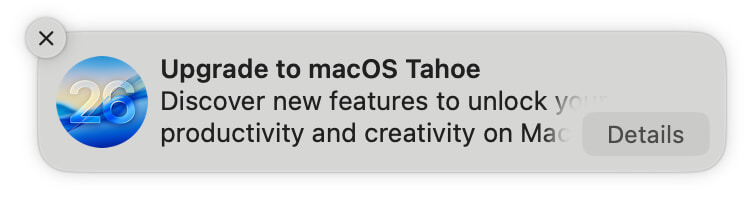 So I have macOS Tahoe on my laptop, but I'm keeping my desktop Mac on macOS Sequoia for now. Which means I have the joy of seeing things like this wonderful notification on a regular basis.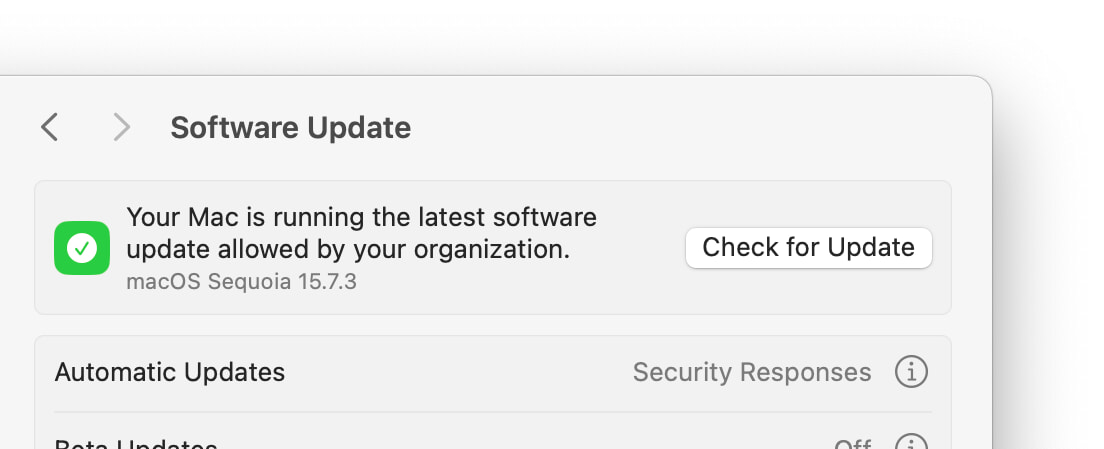
 Back in 2020, I explained
  As much as I rely on our own