On the vagaries of saving from Mail
As I suspect is true of many of you, I buy a fair bit of stuff from Apple, whether in a physical Apple Store or in the various online stores. I receive electronic receipts for all these purchases, which look something like this (but with all the personal info filled in, obviously):

Until yesterday, I have just filed all these receipts in their own folder in Mail (in the On My Mac section, so they're stored locally). But in the process of going paperless, I wanted to move them directly to my hard drive, so I could store them in a more-organized manner, and keep them alongside my other receipts. That meant saving the messages from Mail to the disk.
I had only two objectives when saving:
- Maintain the formatting and images in the original receipt
- Have the message content indexed by Spotlight
You'd think this would be a simple proposition, but you'd think wrong…the above two criteria are basically mutually exclusive with Mail's Save As feature. Read on for the details, and my eventually-discovered workaround (and labor-saving shortcut).
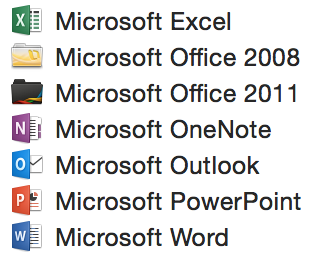 Sadly, the same holds true for the release version; after installation, my Applications folder was the mess as shown in the image at right. Ugh.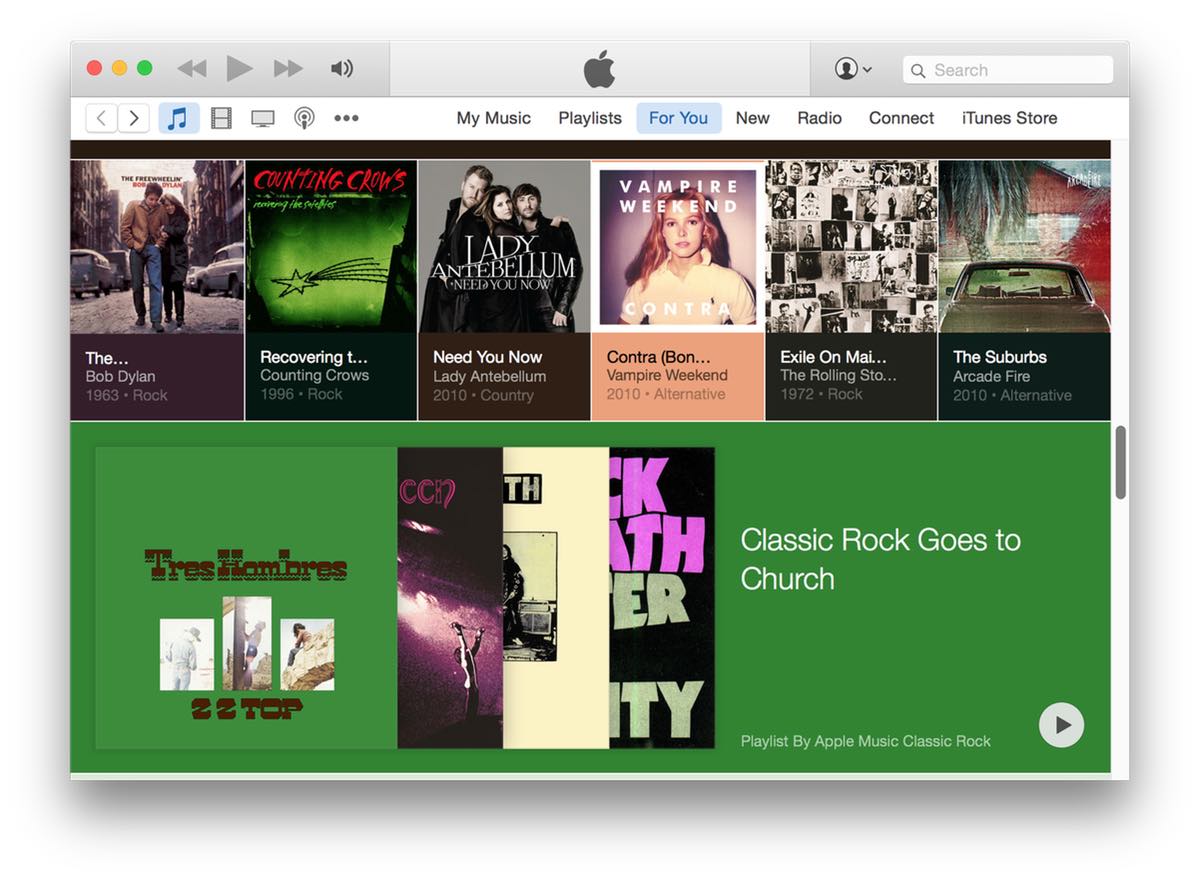

 When you have two drives in iTunes, you'll see one CD icon in the iTunes 12 bozo bar—that's my name for the row of device controller buttons seen at right.