Skip to content

Change the look of inactive Terminal windows

I tweeted this recently…

Things I did not know (or perhaps remember): Terminal lets you set the opacity and blur of inactive windows. (Profiles > Text > Background)

…but because I often forget about those things—the ephemeral nature of tweets being what it is—I figured I should post it here, too.

I have no idea when the feature appeared, but I only discovered it on February 27th, when I tweeted about it. You'll find the window at right in Terminal's preferences, on the Profiles tab—look in the Text section for a selected window, then click the color tile under Background. Check the box to set opacity and blur for inactive windows, and you're done.

As I use a dark background in Terminal, I like this feature a lot. I've now got it set up to go transparent and fuzzy when inactive—this makes it basically vanish, so the dark background no longer grabs my eye.

At some point, I'll dig through my virtual machines and figure out when this was added…who knows, maybe it's been there for forever. In any event, I'm glad I stumbled across it the other day.

Prevent BBEdit from importing ‘find’ strings

I use Bare Bones' BBEdit for most of my text editing, but there's one thing it does that drives me crazy: It will replace your "find" search terms with something you've used elsewhere. It goes like this…

  1. Set up a complex find/replace that you need to do a number of times in BBEdit.
  2. Do some finding and replacing, then switch over to another app to do some other stuff, including copying and searching.
  3. Switch back to BBEdit, open the Find dialog…and discover that the Find box now contains the text you used for searching in the other app.

Argh! Thankfully BBEdit saves previous queries, so it's a click to get it back. But I finally got mad enough to search for a better solution, and found it on a previously unknown to me expert preferences page on Bare Bones' site.

There's lots of good stuff on that page, but this section is the one of interest for the "Find" problem:

Like many Mac OS X applications, BBEdit supports the “Find Scrap”, a feature of the OS that enables sharing of the “search for” string between applications. Some applications put inappropriate content (such as Web search strings) on the Find Scrap, which can cause the “search for” string in BBEdit’s Find dialog to be replaced when you didn’t expect it.

Bingo! Quit BBEdit, open Terminal, paste this line, hit Return, and relaunch BBEdit:

defaults write com.barebones.bbedit FindDialog_UsesFindScrap -bool NO

No longer will your expertly-constructed Find string be replaced by interlopers from the outside world.


Fix Messages’ broken bundled AppleScripts

While playing around with Messages this morning, I noticed that it ships with a feature that, if used, throws an error. Steps to reproduce:

  1. Open Messages' preferences.

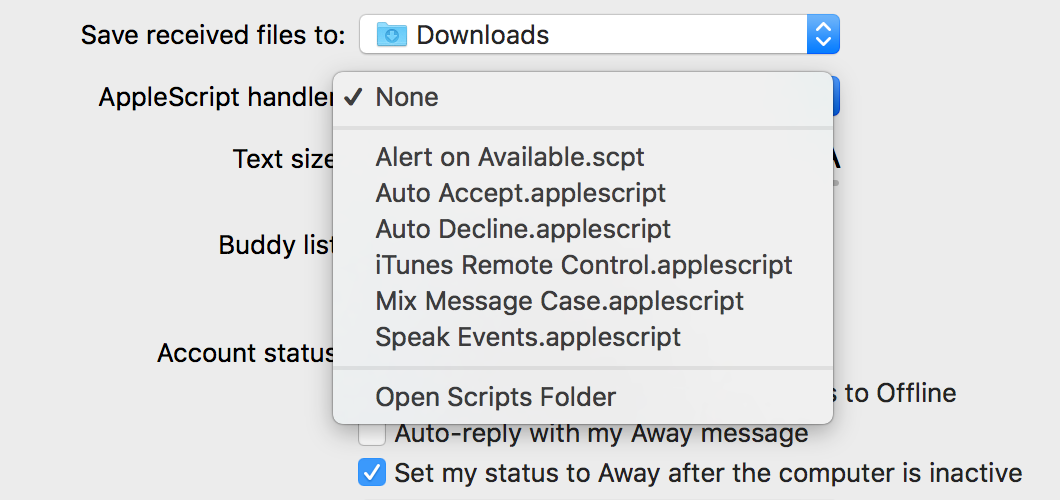
  2. Set the Applescript handler pop-up to any of the listed scripts:

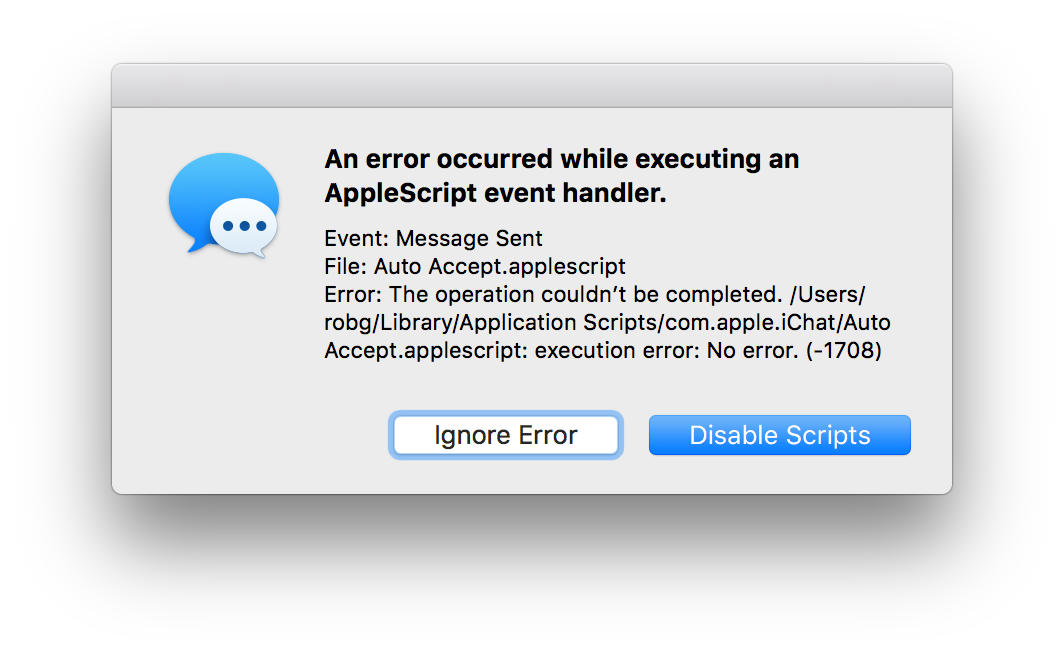
  3. Close preferences, and try to send a message to anyone.

  4. Revel in the brokenness.

I especially like the execution error: No error message…it's that rare non-error that tosses up an error dialog!

In any event, I think it's shameful that Apple ships the app with a feature—plainly obvious in prefs—that breaks when used. Yes, I know AppleScript is probably dying, but that doesn't excuse shipping the app with a clearly-broken feature; if it doesn't work, just remove it. Apparently this has been an issue since Yosemite's release in October of 2014!

With all that said, fixing this is incredibly easy—it took me about 30 seconds of "work" to find and fix the problem. If you'd like to use the bundled AppleScripts in Messages—either as is, or in some modified form—here's what you need to do

[continue reading…]


Control animated GIF playback on WordPress sites

I wanted to embed an animated GIF in my post about changing the iOS Settings screen. However, because the GIF was about 4MB in size, I didn't want it to auto-load—and in general, I find auto-playing GIFs annoying. I wanted something that would stop and start on click, like this (wonderfully subtle) example GIF

So I did what any WordPress user would do in such a situation: I went looking for a WordPress plug-in that offered control over GIFs.

I initially found WP GIF Player and GIF Animation Preview. Both did what I wanted, mostly, but they added a bunch of their own HTML and CSS, and/or relied on the WordPress media library (which I don't use). After testing both, I just couldn't get them to work with the GIF and the size/position that I wanted to use. Perhaps there are others that would work, but I got frustrated and gave up searching.

[continue reading…]


The Art of the Brick at OMSI

We recently toured Nathan Sawaya's The Art of the Brick at OMSI, our local science museum. I had heard about this show, and seen pictures, but they don't do it justice…so here, look at some of my pictures which also won't do it justice. [View on Flickr]

[flickr_set id="72157677535255164"]

Part of the reason photos don't do the ehxibit justice is the lack of sense of scale—further accentuated in my photos due to the lack of reference points. Most of these things are quite large; the human figures are all life size (or bigger). The Easter Island head is maybe 8' tall, the Whistler's Mother figure is six or so feet long, etc. Each piece has a descriptive card that includes the total number of Lego pieces used. As you'd expect, it's a lot of Lego!

If you're in the Portland area—or The Art of the Brick is coming to your town—I highly recommend a visit. You don't even have to like Legos; the art is just amazing…even without considering it's made of Lego bricks.


Count characters in Keyboard Maestro inputs via filters

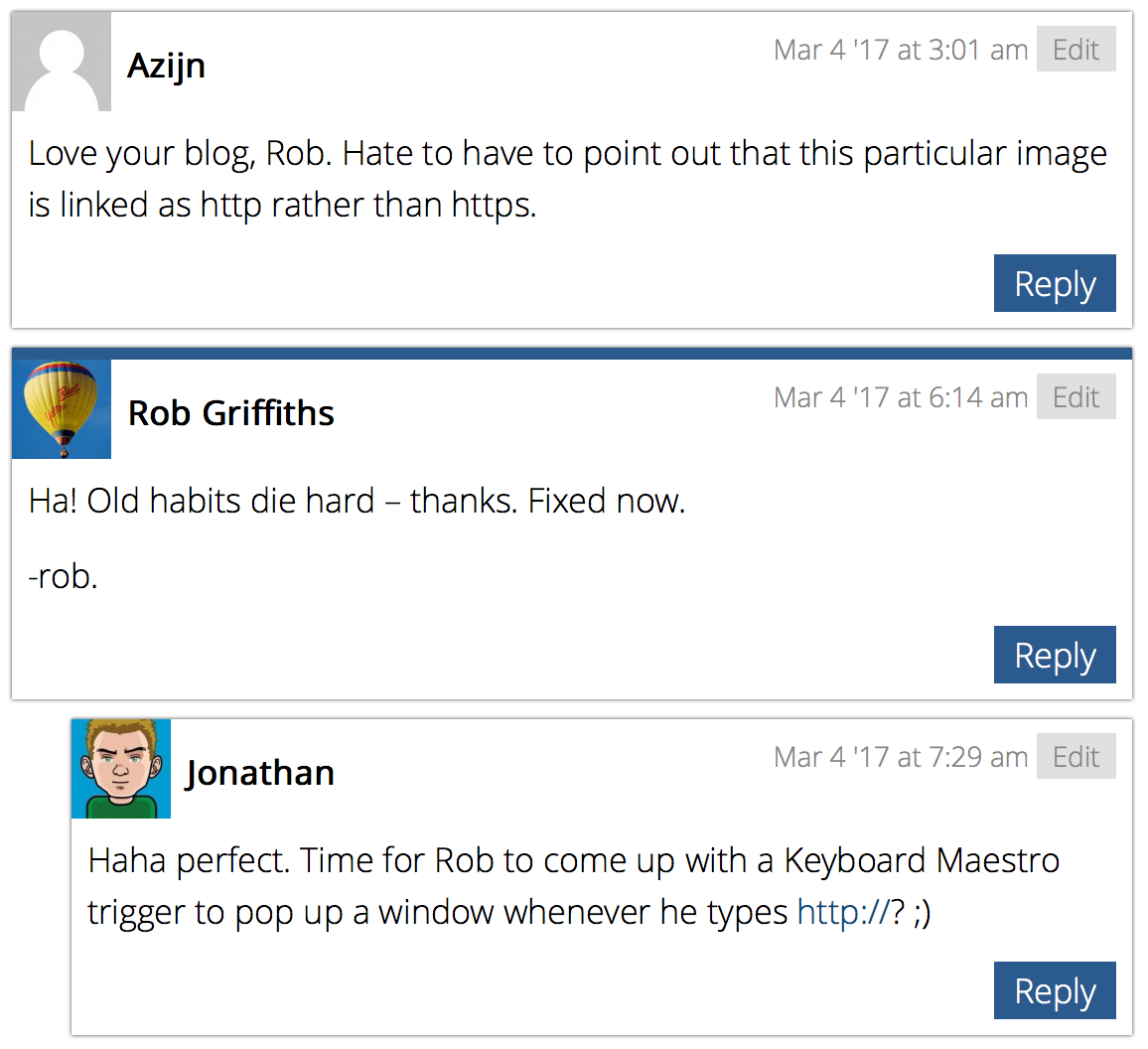
Yesterday, I added an SSL certificate to my site, and posted a brief note about the change. In that post, I included an image…which turned out to be, well, the comments say it all:

Yes, I posted a non-https image in the 'site is secure' post. Sigh.

So I took Jonathan's comment to heart, and created a Keyboard Maestro macro that ensures I post only relative URLs from now on.

Generally, I don't think such a thing would be worth sharing, as it's just a basic text replacement macro, right?. Mostly right, but in this case, I learned about a Keyboard Maestro feature that may be useful to others. So share I will…

[continue reading…]


Heading into the secure zone…somewhat slowly

My blog is, and has been, hosted with 1and1 for many years. While I've had some minor issues during that time, I've been generally happy with their hosting. Recently I noticed that they now offer a free SSL certificate. The free certificate only covers one domain and no sub-domains, but that's all I needed for robservatory. I must say that 1and1 has made this incredibly easy: Enabling the certificate only took a couple mouse clicks, and it was active a minute or two later.
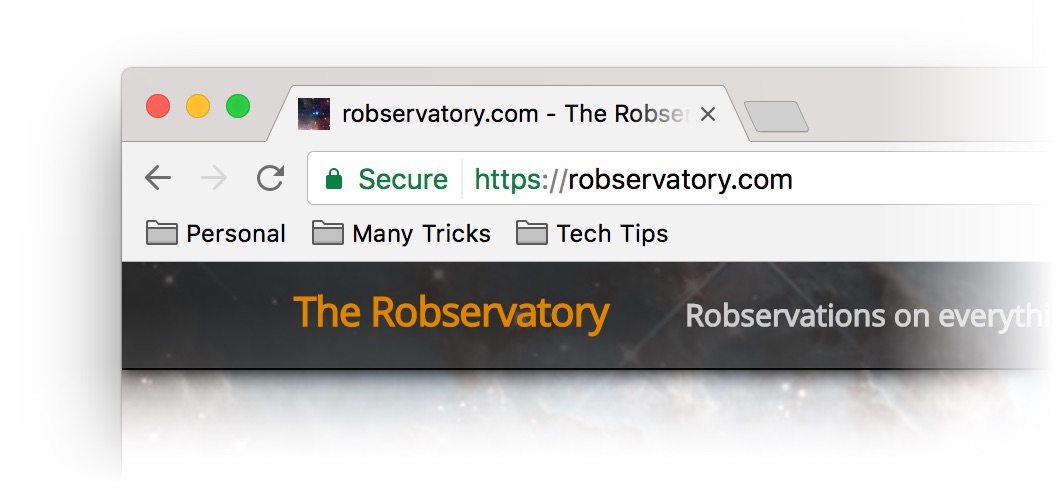
Getting the site actually secured, though, was and is a different story. You should see the secure site indicator on the front page, at least, indicating that you've made a secure connection to the site…

The "secure site" indicator as seen in Chrome…Safari uses an ugly gray lock.

Once you navigate back into the older posts, however, you'll probably lose the lock indicator. The connection is still secure, but the older posts have hardcoded image paths that start with http://, so they load non-securely.

I'm using that as an excuse to go through my old posts and update broken links, etc. This takes a while, but it's a good thing to do every so often. And note to self, never hardcode the full URL—I have no idea why I did that!

And yes, I could just do a mass replace in the database, but the audit has already helped me fix a couple handfuls of posts with errors.


Like a kid in a candy store…

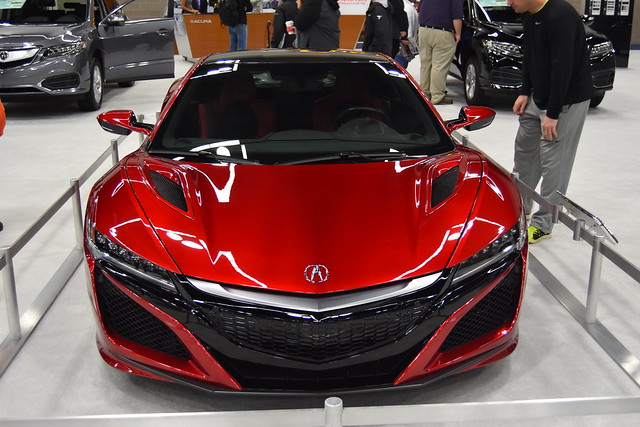
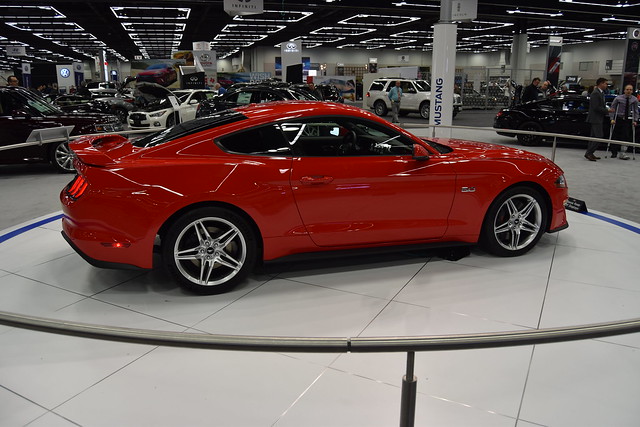
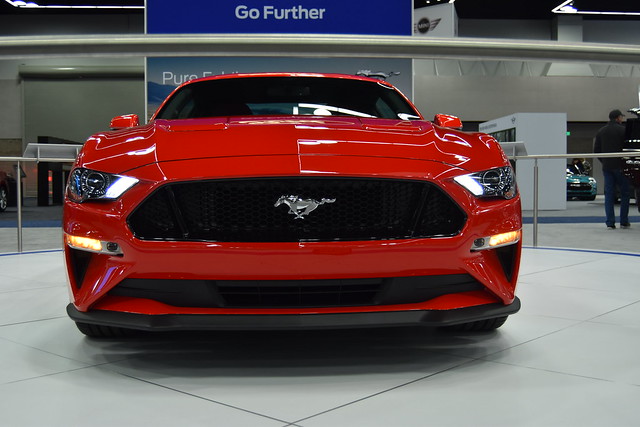
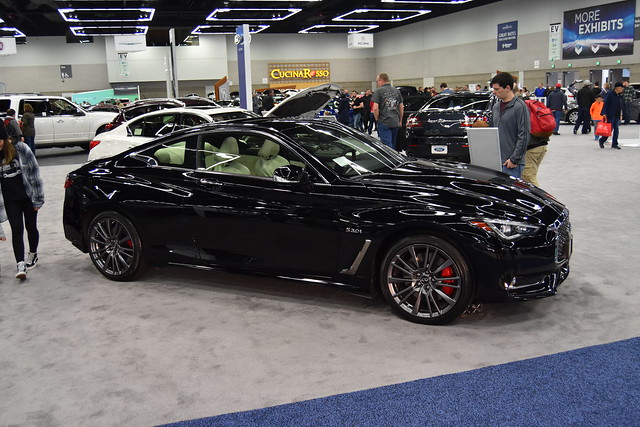
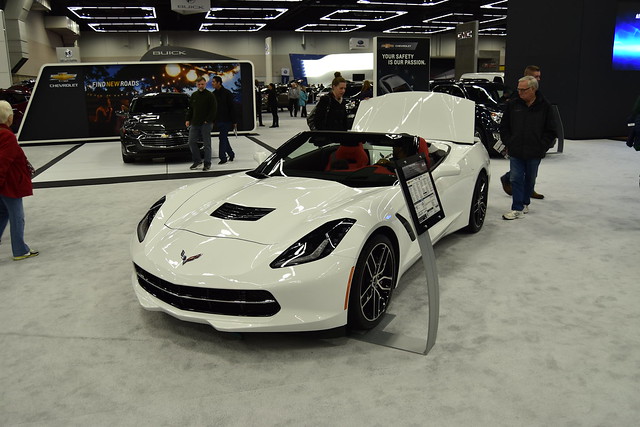
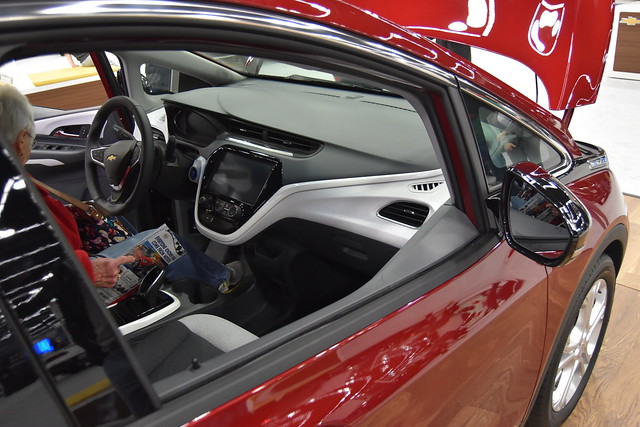
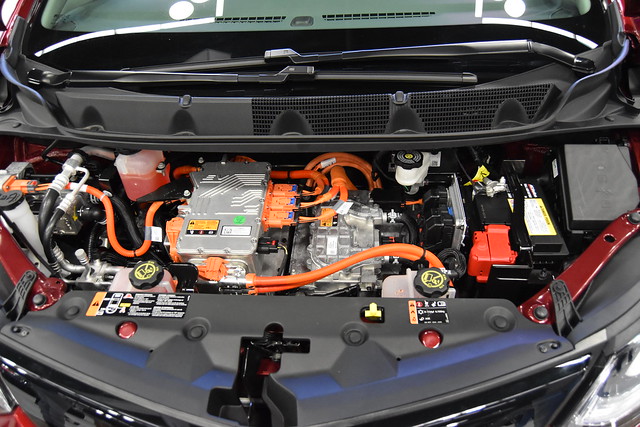
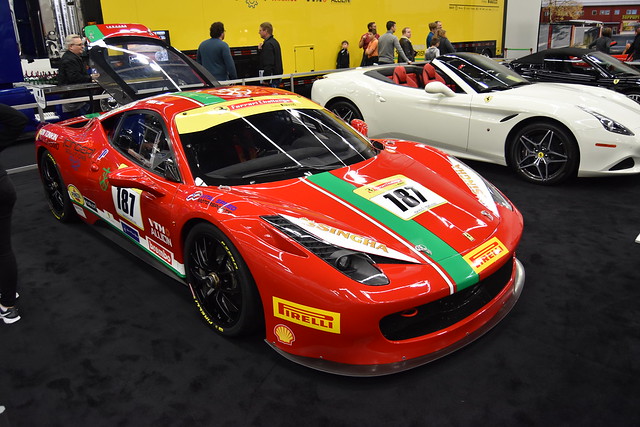
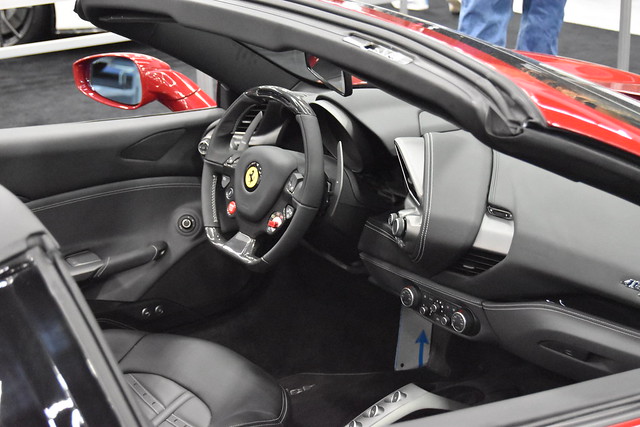
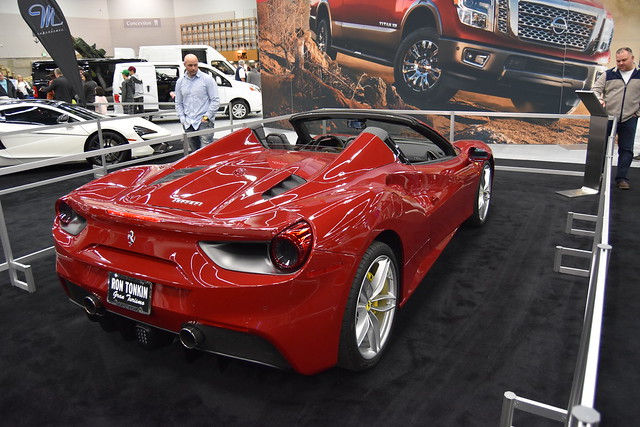
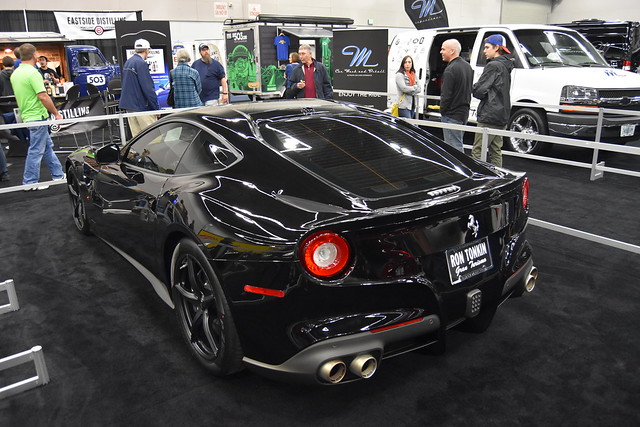
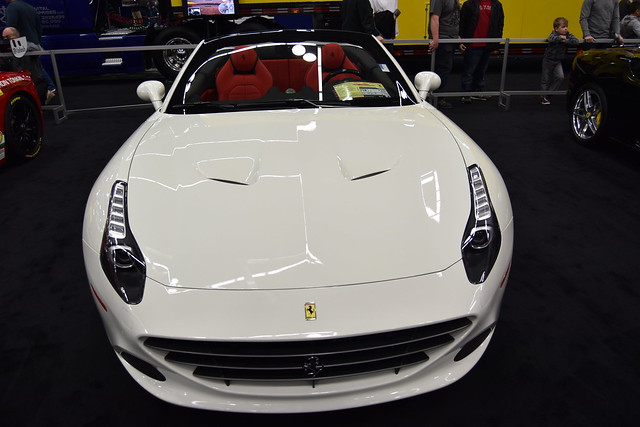
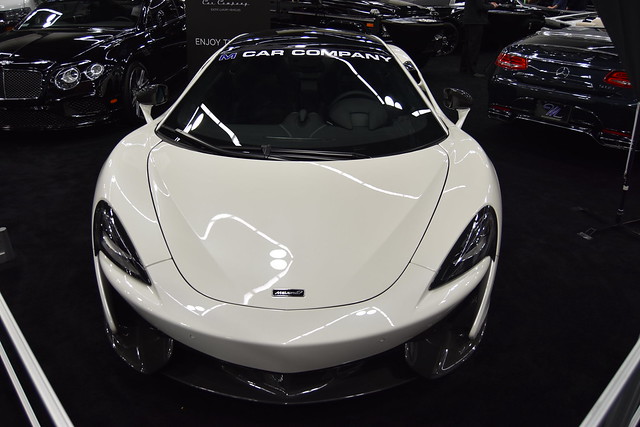
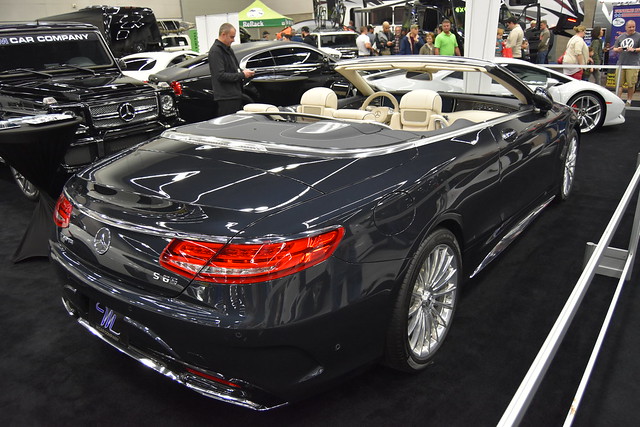
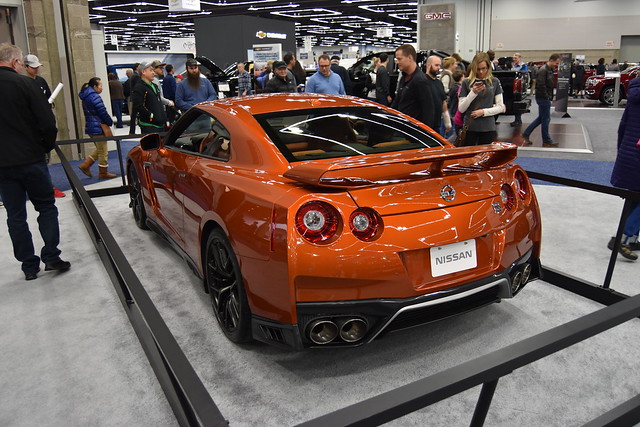
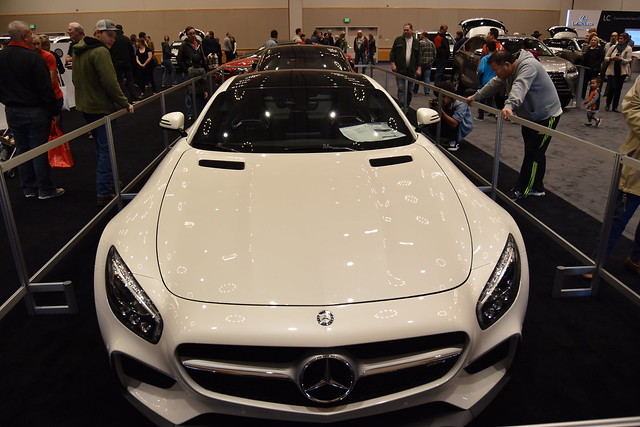
Back in January, I spent a morning at the Portland International Auto Show, walking around looking at a huge assortment of new cars and trucks, and even a couple of campers.

As the title says, for me, short of actually buying a new car, that was peak fun. I love everything about cars, and walking around a car show is about as good as it gets: All the new cars, none of the sales pressure of a dealer visit! Here are some of the better shots from the morning's virtual shopping trip. [View on Flickr]

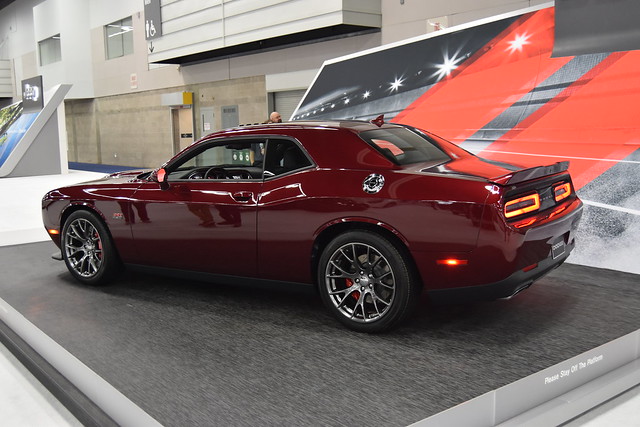
  • Dodge Challenger
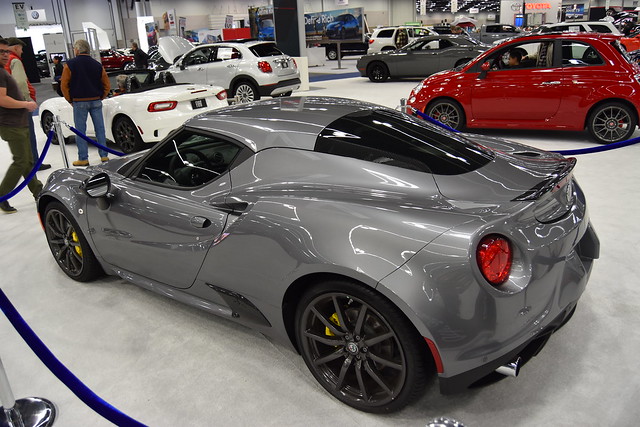
  • Alfa Romeo 4C Coupe
  • Alfa Romeo 4C Coupe
  • Fiat 124 Sypder (Miata based)
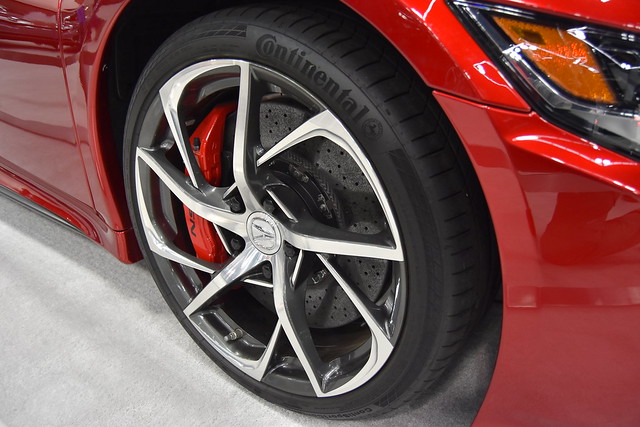
  • Acura NSX
  • Acura NSX
  • Acura NSX
  • Ford Mustang
  • Ford Mustang
  • Infiniti Q60 Coupe
  • Chevrolet Corvette
  • Chevrolet Bolt
  • Chevrolet Bolt
  • Chevrolet Bolt
  • Chevrolet Camaro
  • Subaru WRX STi
  • Ferrari something…
  • Ferrari something…
  • Ferrari something…
  • Ferrari something…
  • Ferrari something…
  • Ferrari something…
  • McClaren 570S
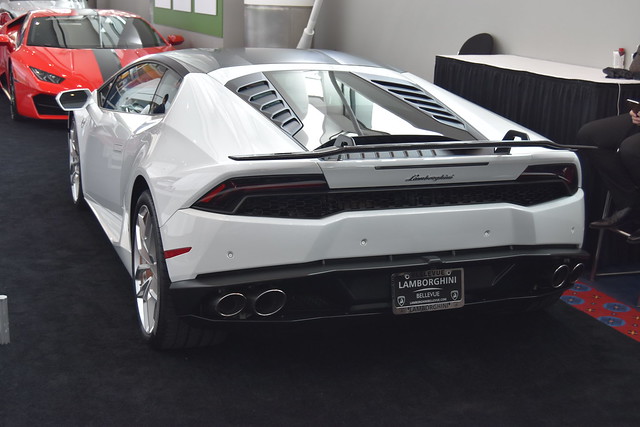
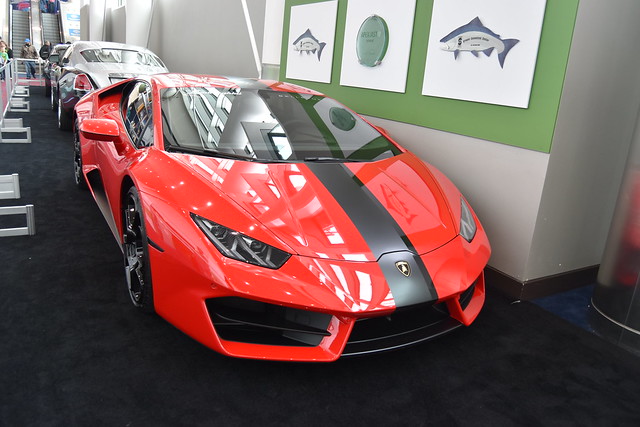
  • Lamborghini Huracán
  • Mercedes Benz S65 AMG
  • Mercedes Benz S65 AMG
  • Nissan GT-R
  • Nissan GT-R
  • Mercedes something…
  • Mercedes something…
  • Mercedes something…
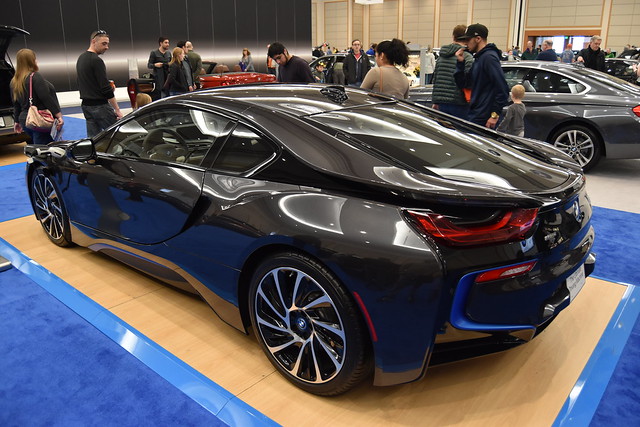
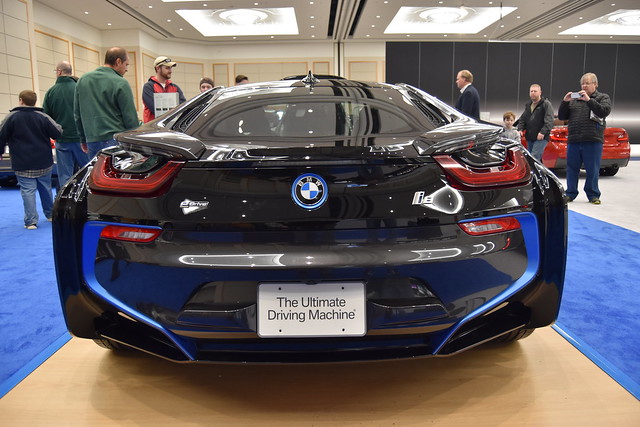
  • BMW i8
  • BMW i8
  • BMW something…
  • BMW M6
  • Audi RS7
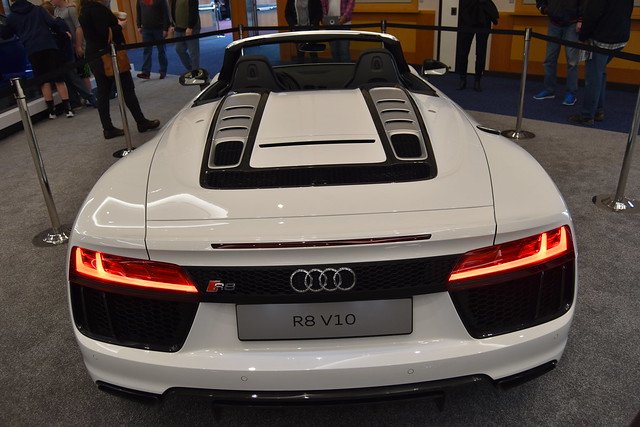
  • Audi R8 V10
  • Audi R8 V10
  • Audi R8 V10
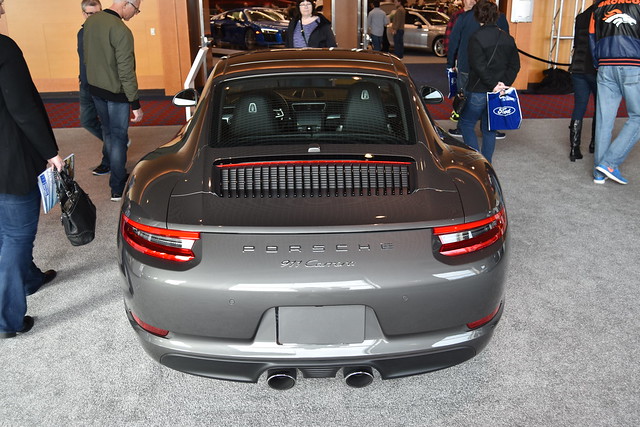
  • Porsche 911 Carrera
  • Porsche Panamera
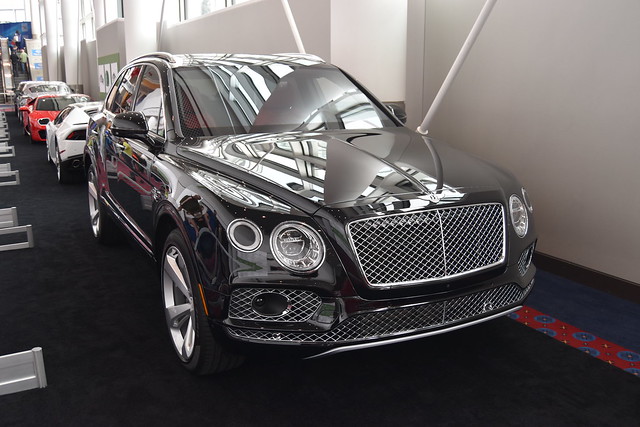
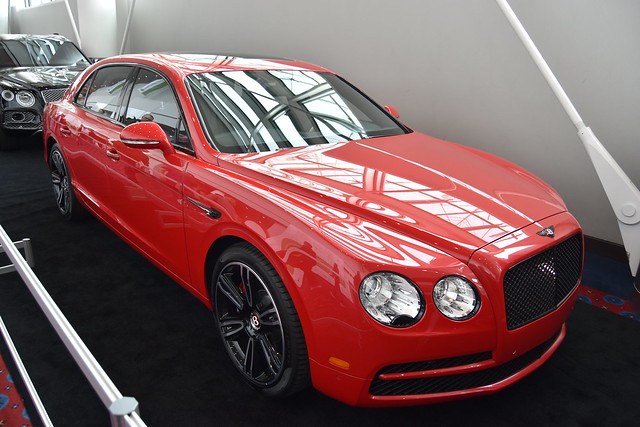
  • Bentley Continental
  • Bentley something…
  • Lamborghini Huracán
  • Lamborghini Huracán
  • Rolls Royce Dawn

Of the vehicles we saw, the Acura NSX and the BMW i8 were both very striking looking—much more so in person than in photographs. And I think the Audi RS7, especially in all-black, is one of the meanest-looking cars to come along in a long time. Now I just need to come up with the $7.5 million or so it'd take to buy all the cars on my wish list!

The above album is hosted on Flickr and displayed here via a plug-in; read on if you're interested in how I did that…

[continue reading…]


Magically achieve ‘inbox zero’ in Mail…or don’t

While working yesterday, I noticed that my inbox was empty. Generally, I strive to keep it that way, but I knew it wasn't true just then—my phone showed six messages in my inbox. Even stranger, using a Smart Mailbox in Mail, set to "show messages in inbox for Many Tricks," revealed the six messages. It was only when clicking into the mailbox itself that I couldn't see anything. At first, I blamed Mail…

Can you blame me, though, after my Mail search issues and the weird potential fix?

When I looked a bit closer, I spotted a clue that maybe it wasn't all Mail's fault. The "(0 filtered messages)" as seen in my tweet normally reads "(0 messages)." This was different, so I went looking in Mail's menus for "filter," where I discovered View > Disable Message Filter. Because the menu read "Disable," that meant the feature was enabled. I selected it, the menu switched to Enable Message Filter, and bingo, my inbox messages were back!

So what happened, and why wasn't it more obvious to me what had happened? The fault lies both with me and with Mail.

[Note: Glenn F wrote about this very issue for Macworld a few months back…sorry I missed it, as it would've saved some investigative work on my end!]

[continue reading…]


Out with fluorescent garage lights, in with LEDs

I've converted most of our home to LED lighting—costs have plummeted in recent years, and when you combine LED lights' long lives with low energy costs, the payback period is incredibly short. Newer LEDs are also warmer in tone—we found some "soft light" 60W equivalent bulbs that are nicely warm (and warmer when dimmed). Through all of this, though, I had one area of the house I'd ignored: The garage.

Our garage has six (five overhead, one over a workbench) 48" long fluorescent hanging fixtures. I hate fluorescent bulbs, but the cost to replace them with LED-equivalent fixtures was high—about $300 to do all six. But the other day at Costco, I noticed they had two-pack FEIT 4' LED replacement bulbs—like these at Amazon—for only $18 (versus $28 at Amazon as I write this).

A "normal" 48" fluorescent tube light, as in this Sylania four-pack is around $6 or $7 per light. So while the LED bulbs are more expensive, a $3 difference isn't much at all given the lower engery usage and long life. (And the fluorescents in my garage go out quite often, even compared to indoor incandescents.) So I bought one box, as a test to use over the workbench.

Within a couple minutes of installing the LED tubes, I was headed back to Costco to buy five more boxes—the difference is that notable. Instant on, brighter and more-even light distribution, no flicker, and they should last nearly forever.

[continue reading…]