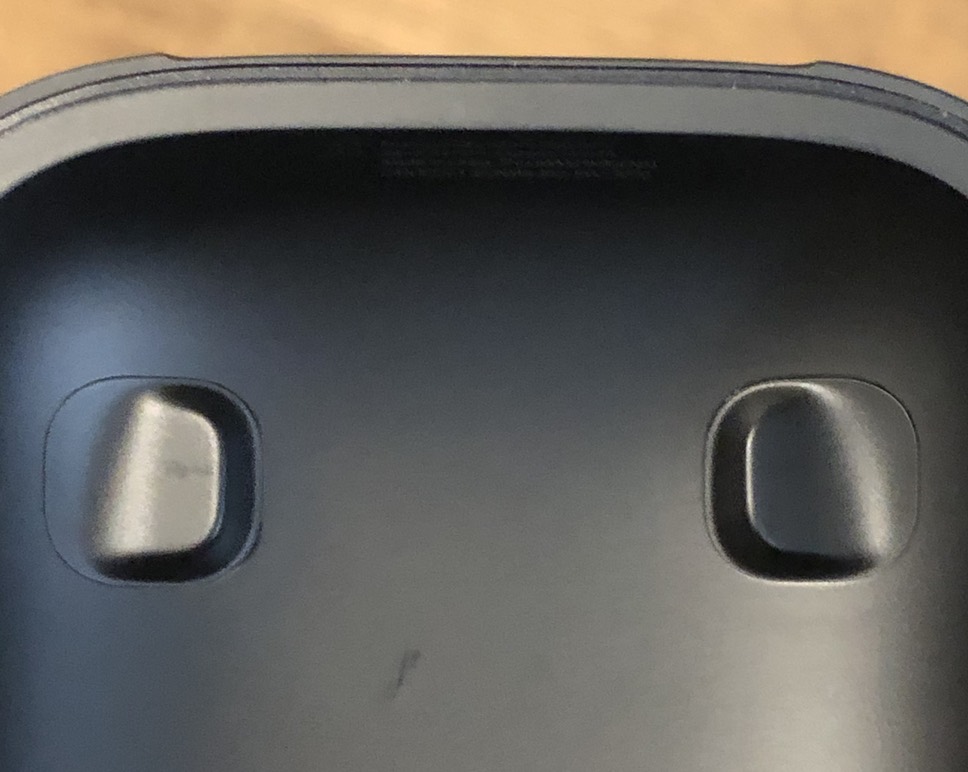
I recently bought a set of PowerBeats Pro, which I generally love (more on the headphones in a future post), but today, while trying to register my product with Beats, I ran into a clear example of form trumping function.
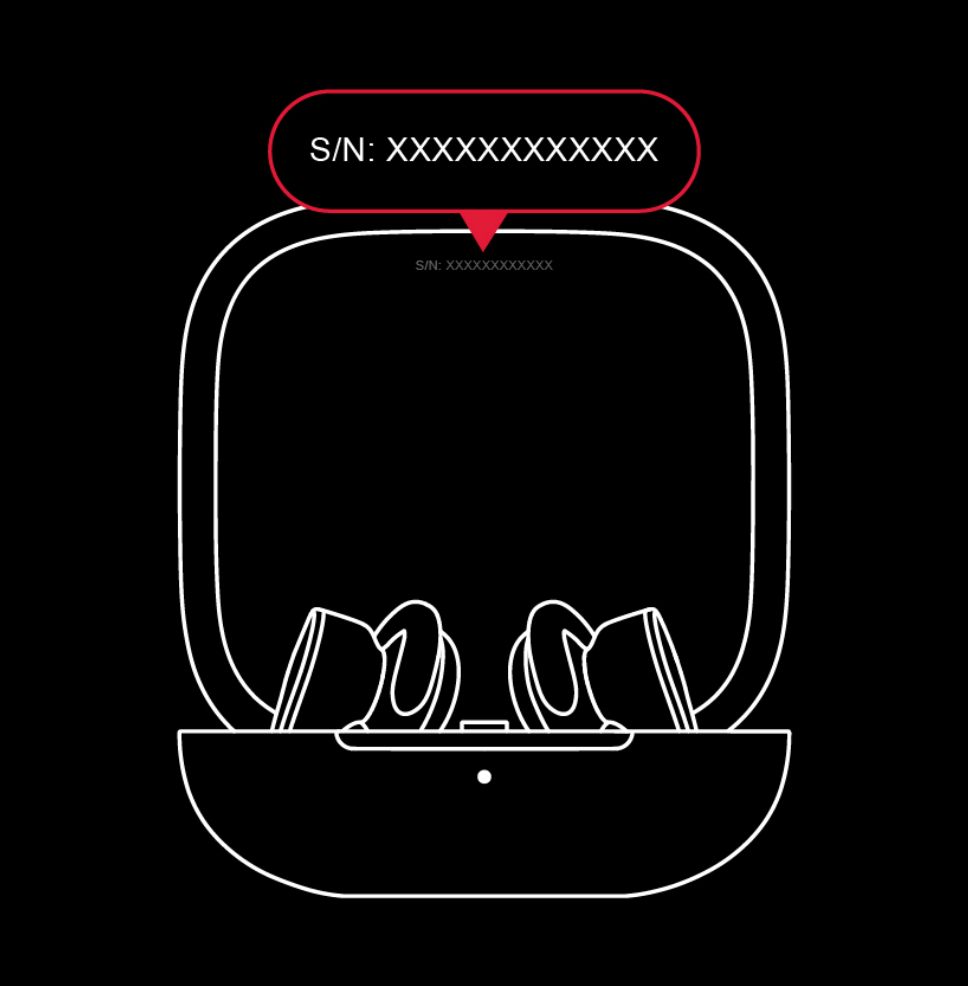
To register your Beats, you need the serial number; Beats provides a graphic that shows you where to find it…
Way back in the late 1990s, HBO aired an amazing miniseries called From the Earth to the Moon. Produced by Tom Hanks, the 12-episode series covers most of the key events in the Apollo program, including the Apollo 1 fire, the first moon landing, the Apollo 13 crisis, and much more. In total, 30 of the 32 astronauts in the Apollo program are represented onscreen during the series.
Each episode runs about 50 minutes; Wikipedia's entry on the miniseries includes a nice summary of each episode that doesn't give too much away.
I've watched it at least a half-dozen times, and up until this summer, every viewing was at DVD resolution—eventually upscaled on higher-resolution TV sets, but still not the greatest video experience.
This summer, however, HBO re-released the series after remastering it in HD. They also reworked many of the special effects to take advantage of advances in that field over the last 20 years. If—like me—you're a physical media person, you can pick it up for only $23 from Amazon…or if you're fully digital, you can get it from the iTunes Store for $30. (Yes, a physical copy with media and packaging and shipping1and it includes a digital copy! is $7 less than a series of 0s and 1s written to a file. What a wacky world we live in.)
The visual changes are dramatic, as you can see in these shots from the two versions.
Warning: The following is nothing but a rant—no charts, no photos, nothing but text—about a piece of security absurdity I ran into the other day. I am 100% in favor of strong security in general regarding financial matters, but when it's false security that does nothing more than inconvenience legitimate users, that's when I get mad…and that's exactly what this was: a security absurdity.
————————————————
My daughter Kylie recently got a part-time job; her employer uses ADP to process its payroll. When her first check arrived, it was actually a debit card—which we didn't want to use—so she had to write herself a check (using a blank they provided), which she could then deposit.
Because Kylie had a busy day ahead of her (school then work then a post-work thing), I told her I'd write the check for her, then she'd just have to sign and deposit it. But to make the check usable, I needed a six-digit authentication code that ADP provides via a phone call. And that's when I entered a hellhole of security absurdity thanks to ADP…
While it's not the world's loveliest box…ok, so it may be the world's ugliest box…
…it's been rock solid since day one. However, it's aging and its CPU won't be supported in an upcoming pfSense release, so I decided to replace it. (That way, I'll have a spare if the new one breaks…at least until that unsupported version of pfSense is released.) Here's the new box…
That's a Protectlifanless Firewall Appliance with a quad-core Celeron J3160 CPU, 4GB of RAM, and 32GB of storage. And yes, it's just a bit smaller and more elegant than my old box—the entire thing is roughly the size of my old box's external cooling fan.
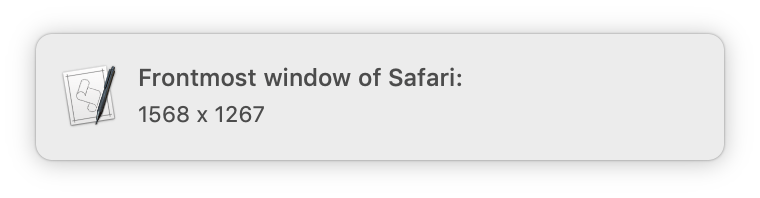
Say I’ve resized a window to the dimensions I want. Is there a way to figure out what these are so I can create a resize action in Moom?
Basically, the user wants to save a window size as a custom action, to make it easy to reapply that action to any window. (If it were just one window in one app, you could use Moom's Save Window Layout feature to save that layout for easy recall.)
There is a way to see this info in Moom, but it requires enabling our debug log and digging through a bunch of output. As an easier alternative, I was certain that AppleScript could do this; I fiddled a bit on my own, and did some web searching, which led me to this thorough post on StackExchange.
Using the very first bit of the first script there, I came up with this version:
Of course, me being me, I decided I'd spend a couple hours making it more useful, even though I probably won't use it all that often. So I modified it to work for whichever app is frontmost, and made it run from Keyboard Maestro. I then assigned it a gesture trigger with my mouse, so I can easily see any window's dimensions with a simple mouse movement.
A friend recently sent me a link to a large collection of 1980s computing magazines—there's some great stuff there, well worth browsing. Perusing the list, I noticed Softline, which I remember reading in our home while growing up. (I was in high school in the early 1980s.)
We were fortunate enough to have an Apple ][ in our home, and I remember reading Softline for their game reviews and ads for currently-released games.
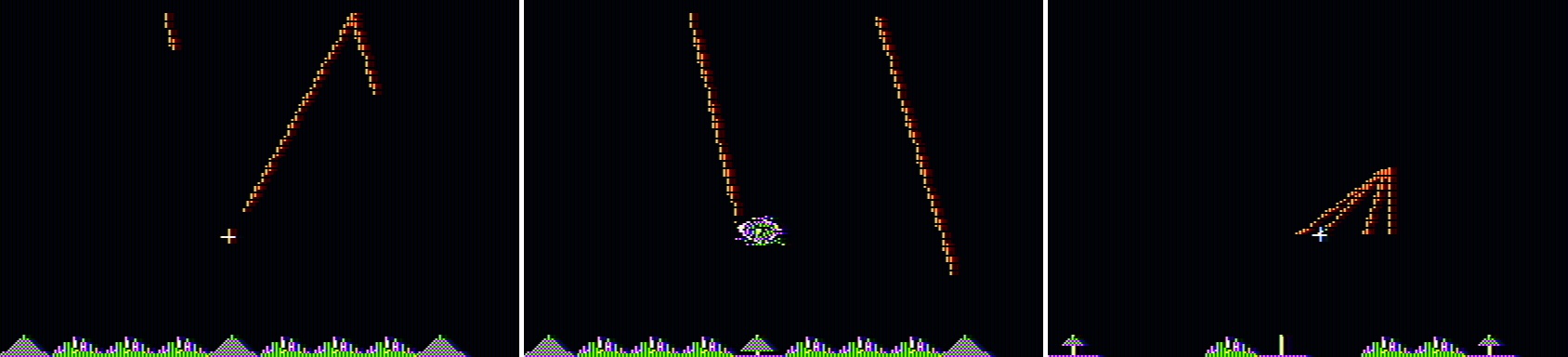
It was those ads that caught my eye as I browsed a few issues. Consider Missile Defense, a fun semi-clone of the arcade game Missile Command. To give you a sense of what games were like at the time, here are a few screenshots from the game (All game images in this article are courtesy of MobyGames, who graciously allow use of up to 20 images without prior permission.)
Note: This issue is apparently addressed by Subaru Technical Service Bulletin 07-155-19R. If you have an Ascent (or Forester, apparently), have your dealer update your vehicle.
When we owned a boat, we used a 2008 Toyota Sequoia to pull it. The Sequoia is a great truck—it pulled the boat, had tons of room for stuff and people, and rode quite nicely. But it was also incredibly efficient at converting money into gasoline fumes—even when not towing, it only got around 12mpg in town. It's also huge.
With the boat gone, we wanted something smaller, with better mileage, yet with room for seven people and capable of some towing. After a lot of research and a few test drives, we chose to lease a 2019 Subaru Ascent.
Reviews for the Ascent have been positive, with Consumer Reports scoring it at 96. In general, we've been happy with the car…until we took it on its first car camping trip last weekend.
It was there that we learned that Subaru made an incredibly stupid design decision with a vehicle targeted at those who use their vehicles for camping and exploring:
While I have older hardware (a 2013 MacBook Pro) that I use for testing macOS betas—it's now running Catalina—it's often handy to have the latest macOS beta running in VMware Fusion on my iMac. With past OS releases, this has been a relatively easy process. With Catalina, however, attempting the install results in a black screen.
Thankfully, some enterprising Fusion users (Bogdam and intel008) have figured out a workaround. I tried it, and while it did work for me, I had to change the instructions just a bit (read on for the details).
We don't publish all of these, as we're not necessarily ready for them to be put to use by everyone (otherwise, they'd be visible prefs). But there are cases when a user has a specific need for a setting, or when troubleshooting, that these hidden prefs can be very useful. As such, I often have to send someone a defaults write command.
Read on to see how I use Excel's formatting features—plus the ever-valuable Keyboard Maestro—to disguise some of this workbook's formula results, yet still easily copy them for sending to a user.
These images were automatically cropped from the master image (after I cropped that; more detail on what I did is coming in a follow-up post), via ImageMagick.
So this would be that post: How to auto-crop huge images using ImageMagick. If you're not familiar with it, ImageMagick is a set of command-line tools to manipulate images. There are a number of ways to install ImageMagick, but I used Homebrew (brew install imagemagick).
 Way back in the late 1990s, HBO aired an amazing miniseries called