Skip to content

Photography

Things related to photography

Dropbox shows iPhoto what simple really means

Note: Dropbox—sadly—removed this feature in July of 2017, so don't even bother reading any further.
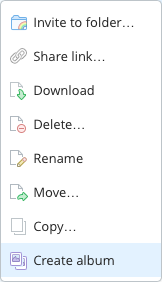
Did you know that Dropbox lets you create photo albums? No? Me neither, until this morning, that is. And it turns out, it's incredibly easy to do:

  1. Copy or move a folder of images into your Dropbox folder. Choose any location within the Dropbox folder that you wish; I set up a Photos folder to hold slideshows.
  2. Open the Dropbox web site, and sign in to your account.
  3. Navigate to the folder you just uploaded, right click, and choose Create album.
  4. Click Share album, then copy the link or directly invite those you'd like to see the album.

That's it, your'e done. The only time-consuming portion of the process is uploading the images; creating and sharing the album takes almost no time at all. That's about as simple as it gets.

Now assume you want to do the same thing using iPhoto: create a web-based slideshow of images for anyone to see via a shared URL. Sure, you could use iCloud's Photo Stream, but that's not a web-based solution. Instead, you'll need to use File > Export in iPhoto, and either create a Web Page or a Slideshow. Slideshow is really misnamed, though, as what it really creates is a movie of your images. So Web Page it is.

[continue reading…]


Wallpapers: iPhone 5, 5s, 5c

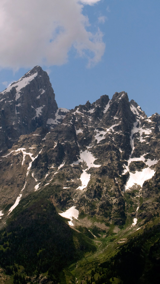
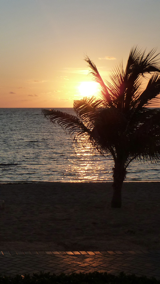
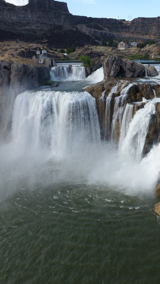
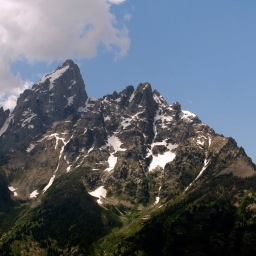
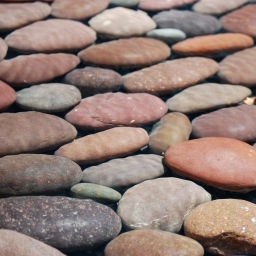
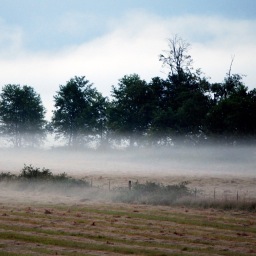
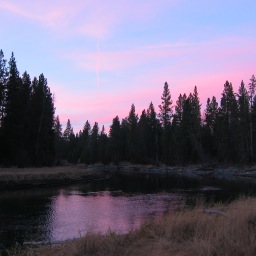
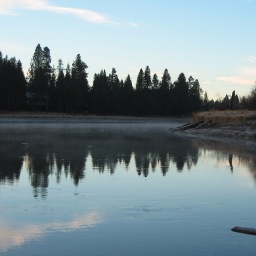
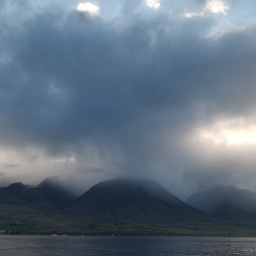
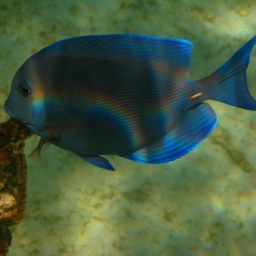
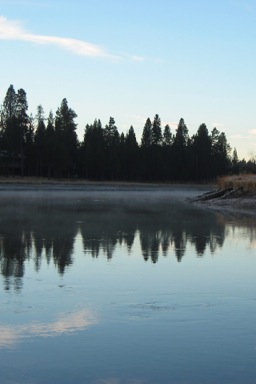
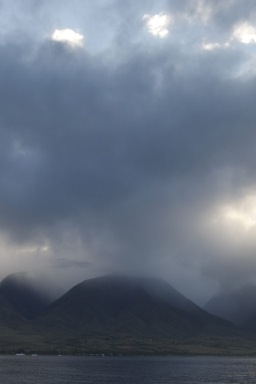
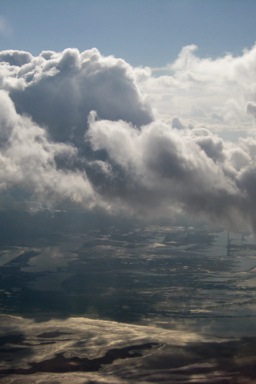
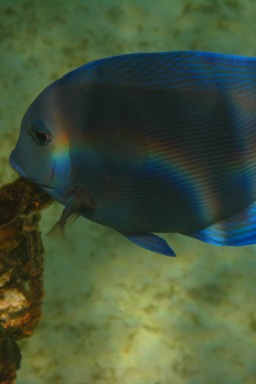
I created these wallpapers a while ago, but never loaded them to the site. They're all modified versions of photos I used for the wallpapers for the iPad & iPad 2, iPad 3 and newer, and iPhone 4 and 4S. (There's even a small collection of wallpapers for the iPhone 3, 3G, and 3GS, for the nostalgically inclined.)

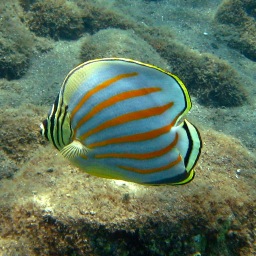
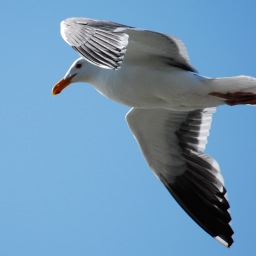
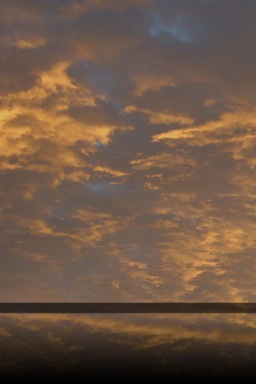
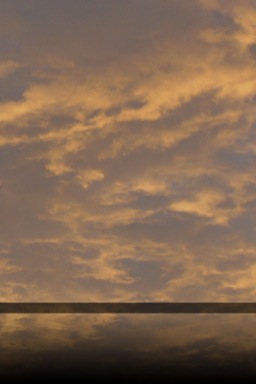
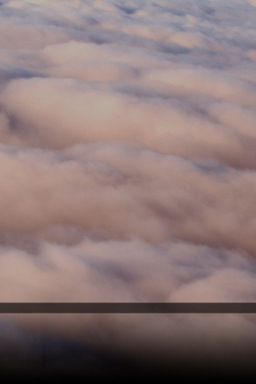
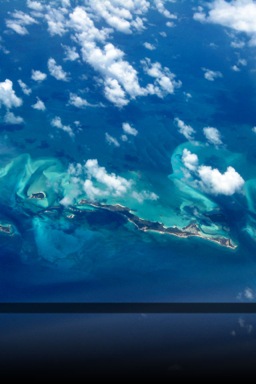
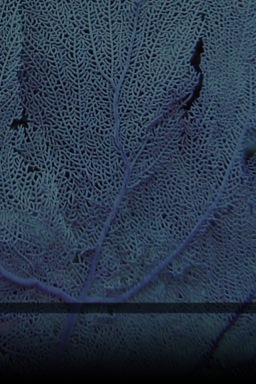
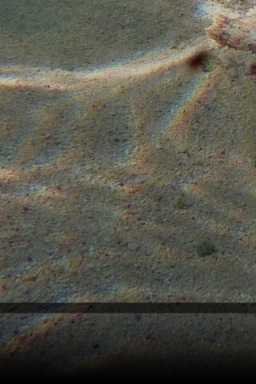
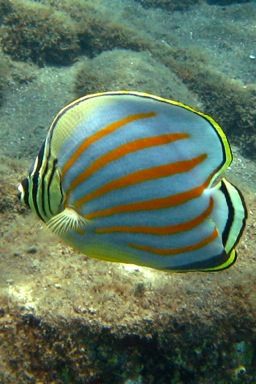
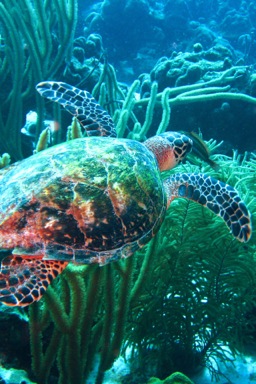
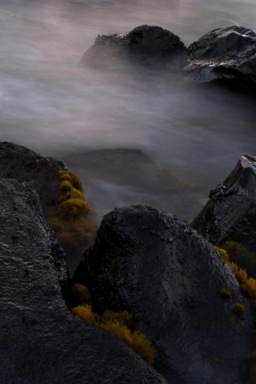
These wallpapers are 640x1136 pixels in size, and designed for use on the iPhone 5, 5S, and 5C. Note that the images shown in the image sliders below (hover and click to cycle) are low-quality 160x284 JPEG representations of the actual photos; to get the high-quality images, download the entire bundle [37MB] and install only those you wish to use.

Home Screens (5)Lock Screens (23)

License: All photographs in these wallpapers are © Rob Griffiths, and are freely provided for personal use only. You may not include these wallpapers on other sites, nor in any commercial product, without my prior permission. (I hate having to put this here, but prior experience has shown it to be necessary.)


Demonstrating iMovie’s stabilization feature

On our flight home from Denver last week, our 10-year-old daughter had the window seat. So I asked her to record the takeoff (using a Canon pocket cam with 1920x1080 video). I gave her no tips (she'd never tried this before), other than to minimize any reflections off the window and to try to keep the camera steady.

The results weren't bad, given her lack of experience at such things, but they weren't really usable. So as with my early-morning Portland take-off, I fed the raw video to iMovie's stabilization routine. The end result is nothing short of amazing, with some caveats as noted after the video:


(Also available on my YouTube channel.)

At first glance, the changes are nothing short of extraordinary. The raw video is almost unwatchable in spots, due to the extreme camera movement. The stabilized video, while jumpy in those same spots, is infinitely more watchable. There are some tradeoffs, of course, to get this stability.
[continue reading…]


Aviation geekery: Rainy early morning PDX departure

Earlier this fall, the FAA decided to allow use of electronics below 10,000 feet on flights. As an aviation geek, this was great news; not because I could now use my iPod or whatever all the time, but because I could use my camera to record takeoffs and landings.

In particular, I think takeoffs are amazing events, wherein a huge multi-ton semi-controllable beast of a machine on the ground transforms itself into a powerful and graceful master of the skies, seemingly weighing nothing and covering vast distances at over 500 miles an hour. But I wax off-topic…

I don't fly all that often any more, and yesterday was my first flight since the rule changes went into effect. It was also a very early departure (5:40am takeoff), so it was pitch black outside. Plus it was overcast and a bit rainy.

Nonetheless, I couldn't let the opportunity pass me by, so I recorded the takeoff and initial climb out of Portland. There's even a bit of commentary, for the sake of my daughter sitting next to me.

(For the best visual experience, click the gear icon to choose 1080p, and then zoom to full screen.)

Despite the darkness and rain (or perhaps because of it), I find the resulting video to be mesmerizing…but that's mostly because I am an aviation geek, and love this stuff. If you'd like the technical details behind the video, keep reading.

[continue reading…]


A visit to an amazing aviation museum

evergreenlogoIf you're an aviation enthusiast (as I am), and you're ever in Oregon, you owe yourself a trip to the Evergreen Air and Space Museum.
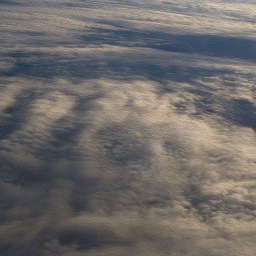
Despite living here for nearly 20 years, I'd never been until last week. The kids had a day off school, and we had some tickets we'd bought during a fundraiser for OMSI, so we went and made a day of it.

The museum has a large collection (100+) of aircraft, all in impeccable shape. In addition, there's quite a collection of space memorabilia, including a full-size Titan rocket. The star attraction, though, is the Spruce Goose, Howard Hughes' massive flying boat. There's also a waterpark whose key feature is four water slides that drop out of the side of an actual 747, which sits on top of the water park's building. Our passes included cockpit access to the Spruce Goose as well as a tour of the cockpit of the 747 sitting on top of the waterpark.

As you might expect of an aviation enthusiast, I snapped a ton of pictures. The more bearable of my efforts can be seen in this album (set to open in a new window). You can navigate with the on-screen buttons, the arrow keys, or by clicking directly on each image; you can also resize your browser window, and the image sizes will adjust.

If you enjoy all things aviation, you should put the Evergreen Air and Space Museum on your list; it's definitely worth the time and effort it takes to get there.


Wallpapers: iPad 3 and newer

The following wallpapers are 2048x2048 pixels in size, and designed for use on third-generation iPads ("the new iPad"). Note that the images shown in the image sliders below (hover and click to cycle) are low-quality 256×256 JPEG representations of the actual photos; to get the high-quality images, download the entire bundle [29MB] and install only those you wish to use.

Home Screens (5)Lock Screens (24)

License: All photographs in these wallpapers are © Rob Griffiths, and are freely provided for personal use only. You may not include these wallpapers on other sites, nor in any commercial product, without my prior permission. (I hate having to put this here, but prior experience has shown it to be necessary.)


Wallpapers: iPad and iPad 2

The following wallpapers are 1024x1024 pixels in size, and designed for use on the first and second generation iPads. Note that the images shown in the image sliders below (hover and click to cycle) are low-quality 256x256 JPEG representations of the actual photos; to get the high-quality images, download the entire bundle [9MB] and install only those you wish to use.

Home Screens (8)Lock Screens (30)

License: All photographs in these wallpapers are © Rob Griffiths, and are freely provided for personal use only. You may not include these wallpapers on other sites, nor in any commercial product, without my prior permission. (I hate having to put this here, but prior experience has shown it to be necessary.)


Wallpapers: iPhone 4 and iPhone 4S

The following wallpapers are 640x960 pixels in size, and designed for use on the iPhone 4/4S. Home screen images feature a slightly darkened navigation bar (where the paging dots appear), along with a fade-to-darker gradient in the Dock area below the navigation bar.

Note that the images shown in the image sliders below (hover and click to cycle) are low-quality 256×256 JPEG representations of the actual photos; to get the high-quality images, download the entire bundle [6MB] and install only those you wish to use.

Home Screens (9)Lock Screens (32)

License: All photographs in these wallpapers are © Rob Griffiths, and are freely provided for personal use only. You may not include these wallpapers on other sites, nor in any commercial product, without my prior permission. (I hate having to put this here, but prior experience has shown it to be necessary.)


Photos from our summer tour

After posting about my favorite roads from our summer tour around the west, a few people asked to see some pictures. Here's an album showing some of the interesting sites and landscapes:

Summer Tour 2010

It really was an amazing journey—4,000 miles in about 18 driving days, plus another 700 miles during a one-week stay in Colorado to visit friends and relatives. More about the trip, in particular spending that much time in a car with two young children, in a future post.


iPhone wallpaper collection

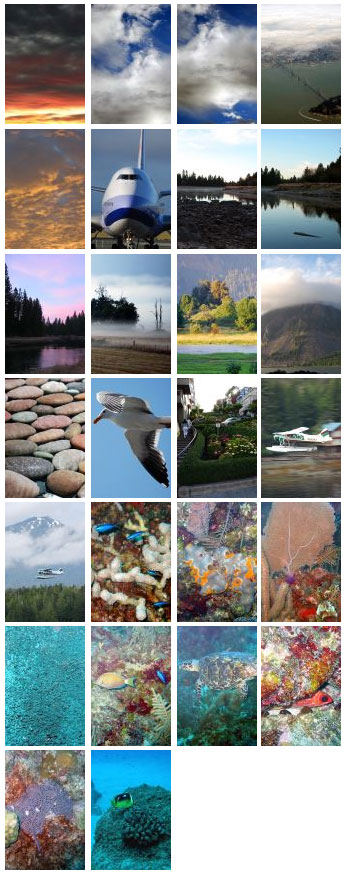
After updating my iPhone to 1.1.3 (and jailbreaking it, courtesy of ZiPhone), I decided I was bored of my current iPhone wallpapers—I've been using Rob Randtoul's very nice iPhone wallpaper collection, but felt it was time for something new. So this morning, I spent a bit of time trimming some of my pictures down to iPhone size, and found that the end results looked better than I was anticipating. So I thought I'd share the results, in case anyone wants more variety on their iPhone. Click the image at left for a larger view of the collection, and if you'd like to download the wallpapers, well, here's the link:

iPhone Wallpapers [1MB]

To use, just add these to your iPhoto library, then sync to your iPhone. I code my iPhone wallpapers with a unique keyword in iPhoto, create a Smart Album based on that keyword, then sync that smart album to the iPhone. Then use the Wallpaper section of the iPhone's Settings panel to set your wallpaper. (If you have a jailbroken iPhone and you install SummerBoard, you can use your wallpaper as a background behind the iPhone's actual screen, too, and not just the wake-from-sleep screen.)


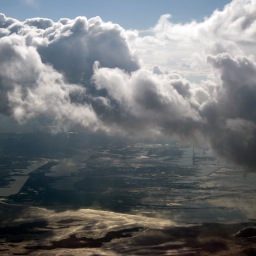
Many of these aren't really suitable as wallpaper (especially in SummerBoard mode), but some actually work out pretty well.